
Networks
Network Configuration
Section titled “Network Configuration”Manage the VM’s network interfaces, including private and public network options. Private networks enable VM-to-VM communication without internet exposure. Public networks provide external IP addresses for internet access.
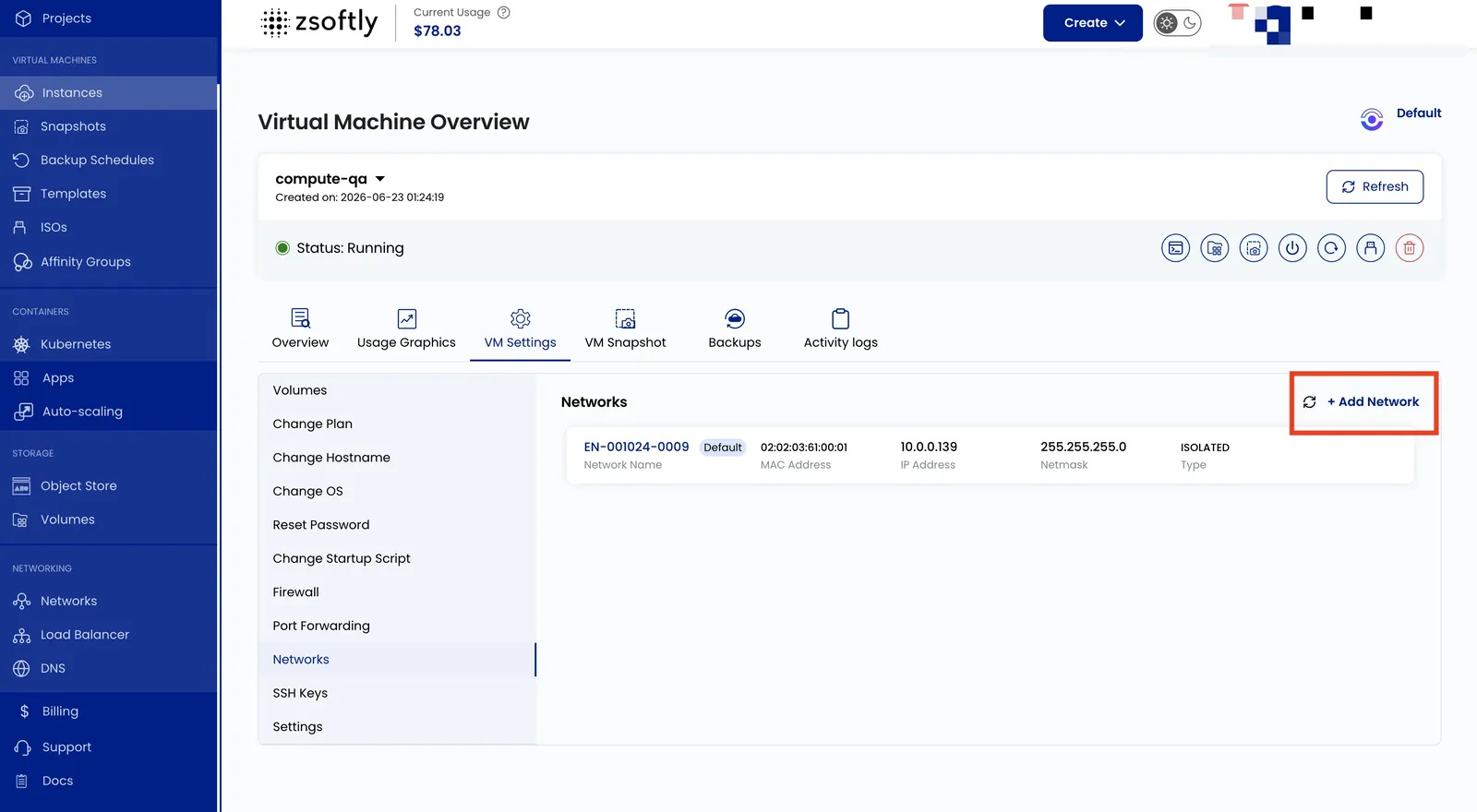
- Go to VM Settings → Networks.
- Click Add Network to add a new network interface.
- Click on a network to change its configuration (bandwidth limits, IP assignment).
See also: Create VPC Networks, Create Public Networks