
VPN Users
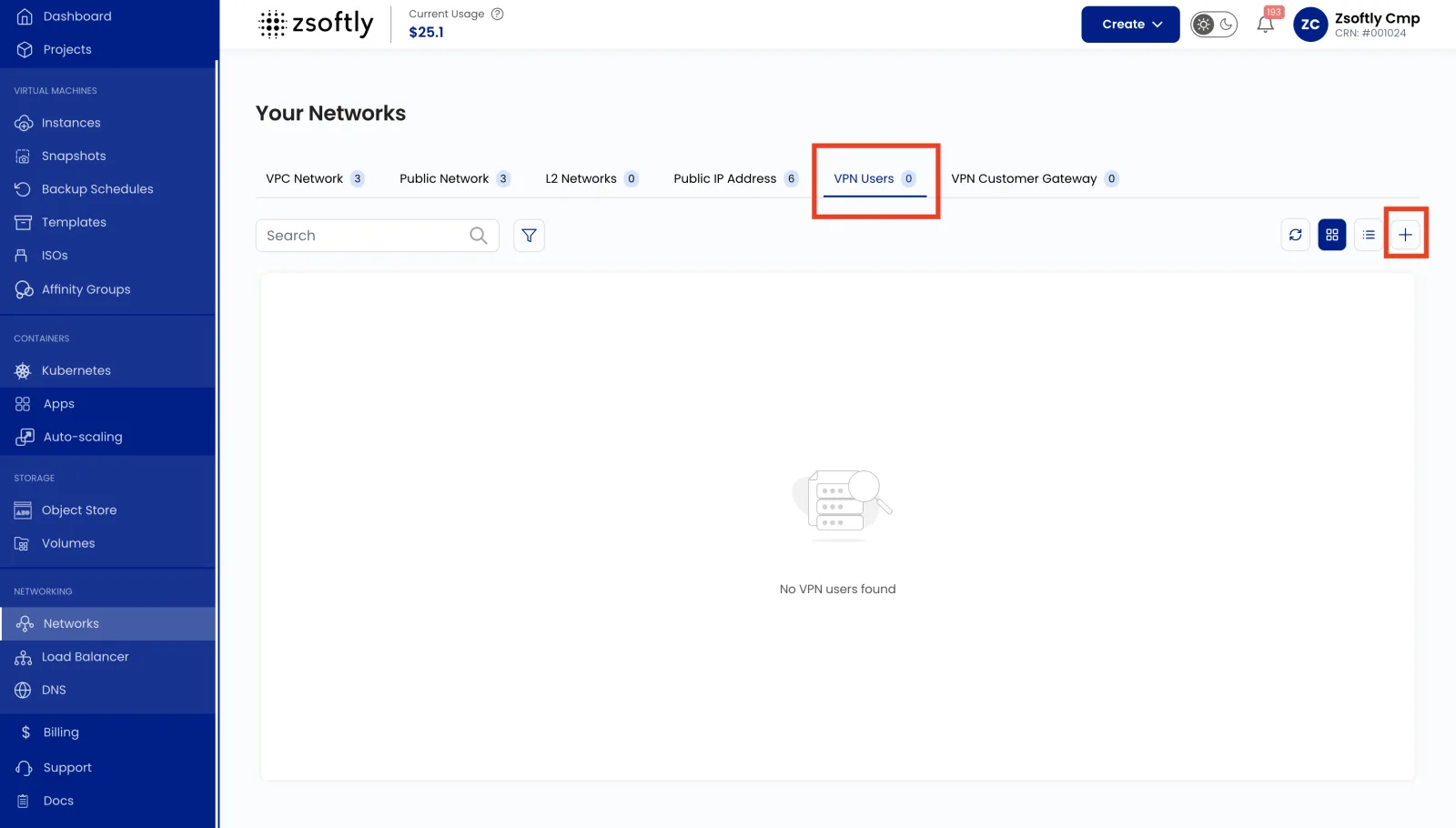
The VPN Users tab lets you manage client VPN access to your VPC network. This is separate from Site-to-Site VPN and is used for individual user remote access.
- Navigate to your VPC network and go to the VPN Users tab.
- Click Add VPN User to create a new user.
- Provide the username and click Submit.
- Users download their VPN client configuration from the portal once created.
See also: VPN Gateway, VPC Overview