
Egress Rules
An egress rule controls outbound network traffic from a source to a specified destination based on defined protocols and IP ranges.
- In the Egress Rules tab, view all current egress rules.
- Click Add Egress Rule to open the rule configuration form.
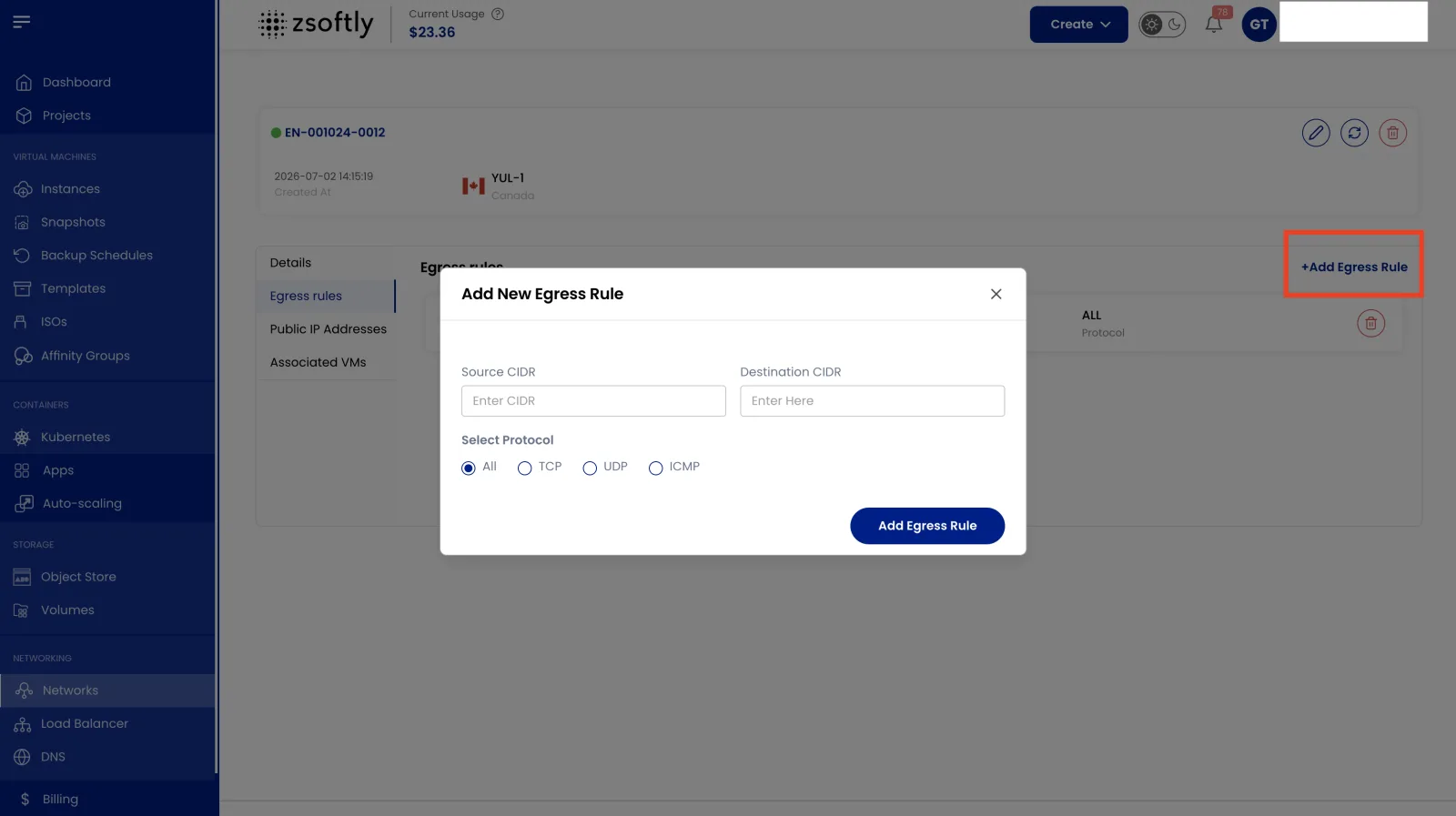
Add a New Egress Rule
Section titled “Add a New Egress Rule”- Enter the Source CIDR and Destination CIDR.
- Choose protocol: TCP, UDP, ICMP, or All.
- Click Add Egress Rule.