
Block Storage
Block Storage allows you to attach additional storage volumes to your VM. These volumes are independent disks that store application data, backups, or other files.
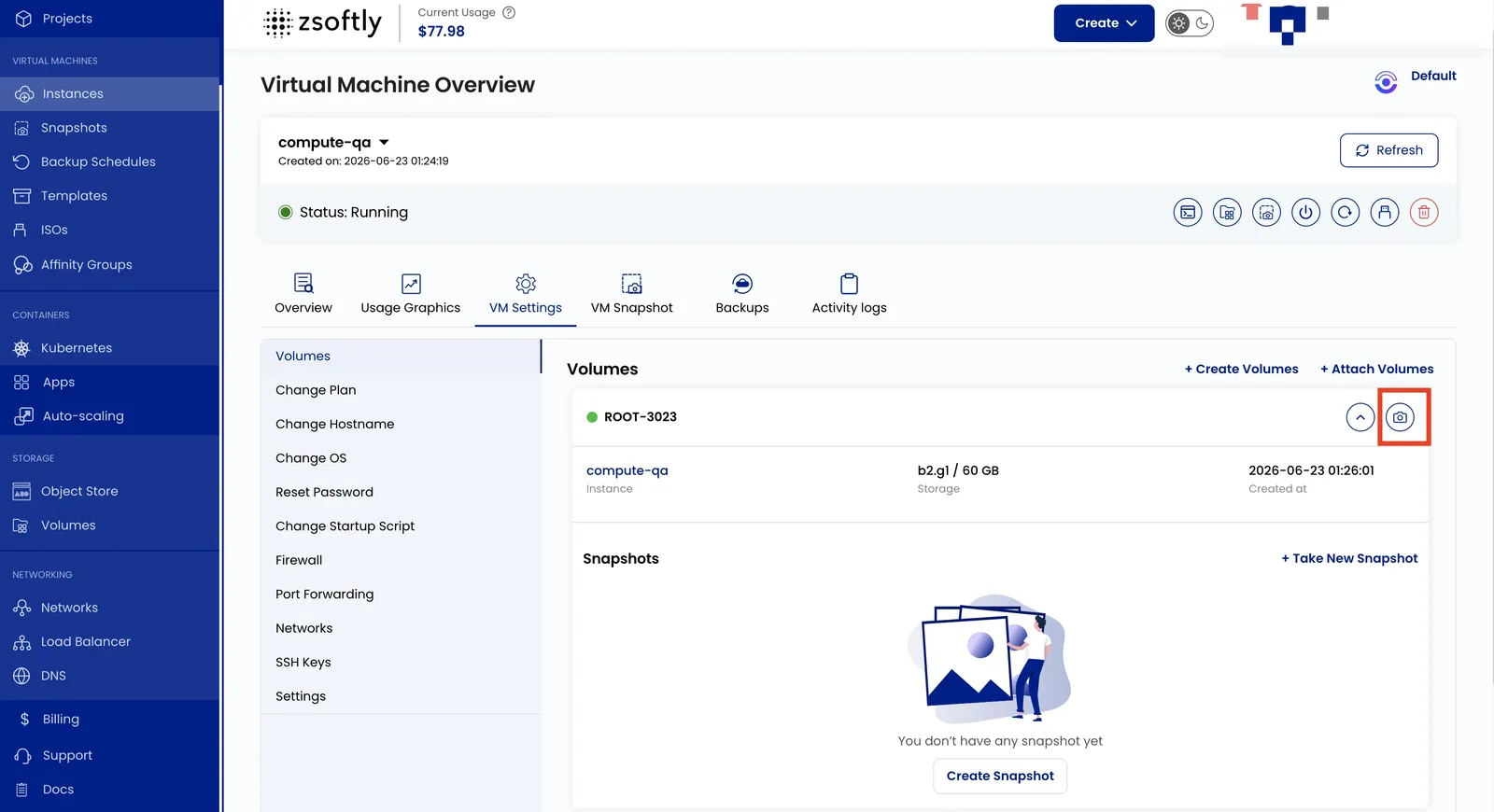
- Go to VM Settings → Volume to view the instance volume and its size.
- Click the right arrow icon to expand the list and see existing snapshots for the volume.
- Click the camera icon to create a new snapshot of the current volume state.
See also: Create Volume, Volume Snapshots