
SSH Keys
SSH Key Access
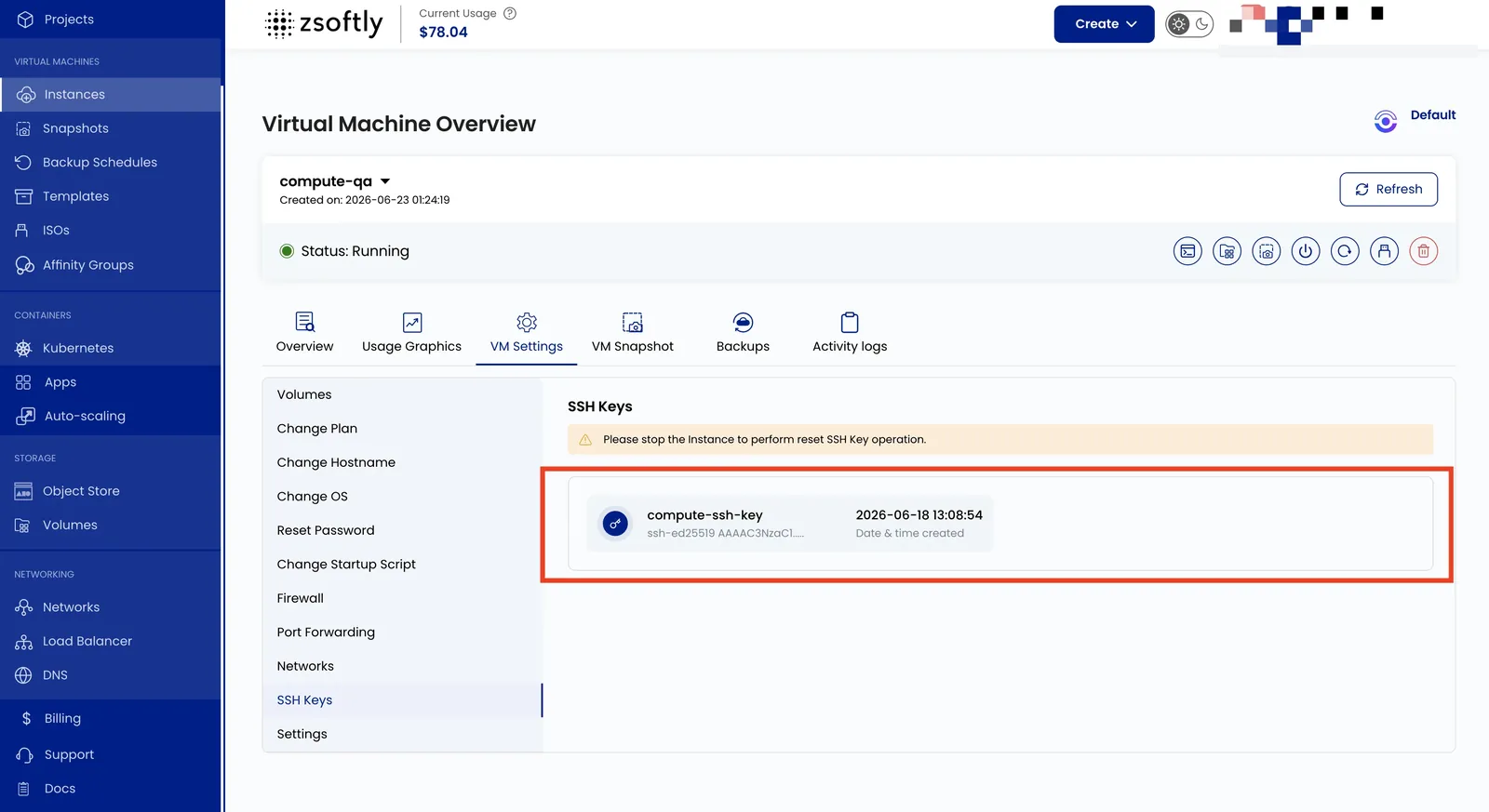
Section titled “SSH Key Access”SSH keys provide a secure, passwordless way to access your VM. This setting shows SSH public keys authorized to log in to the VM. To add a key during instance creation, open Server Settings and click Add now beside Add SSH Key To Your Instance. In the dialog, enter a key name and paste your public key, or select an existing key. See Create Instance for the full workflow.
- Go to VM Settings → SSH Keys to view authorized keys.
See also: Connect With SSH