
Firewall
Firewall Configuration
Section titled “Firewall Configuration”The Firewall setting lets you define security rules for incoming and outgoing network traffic to your VM. Allow or deny access to specific IP addresses, ports, or protocols.
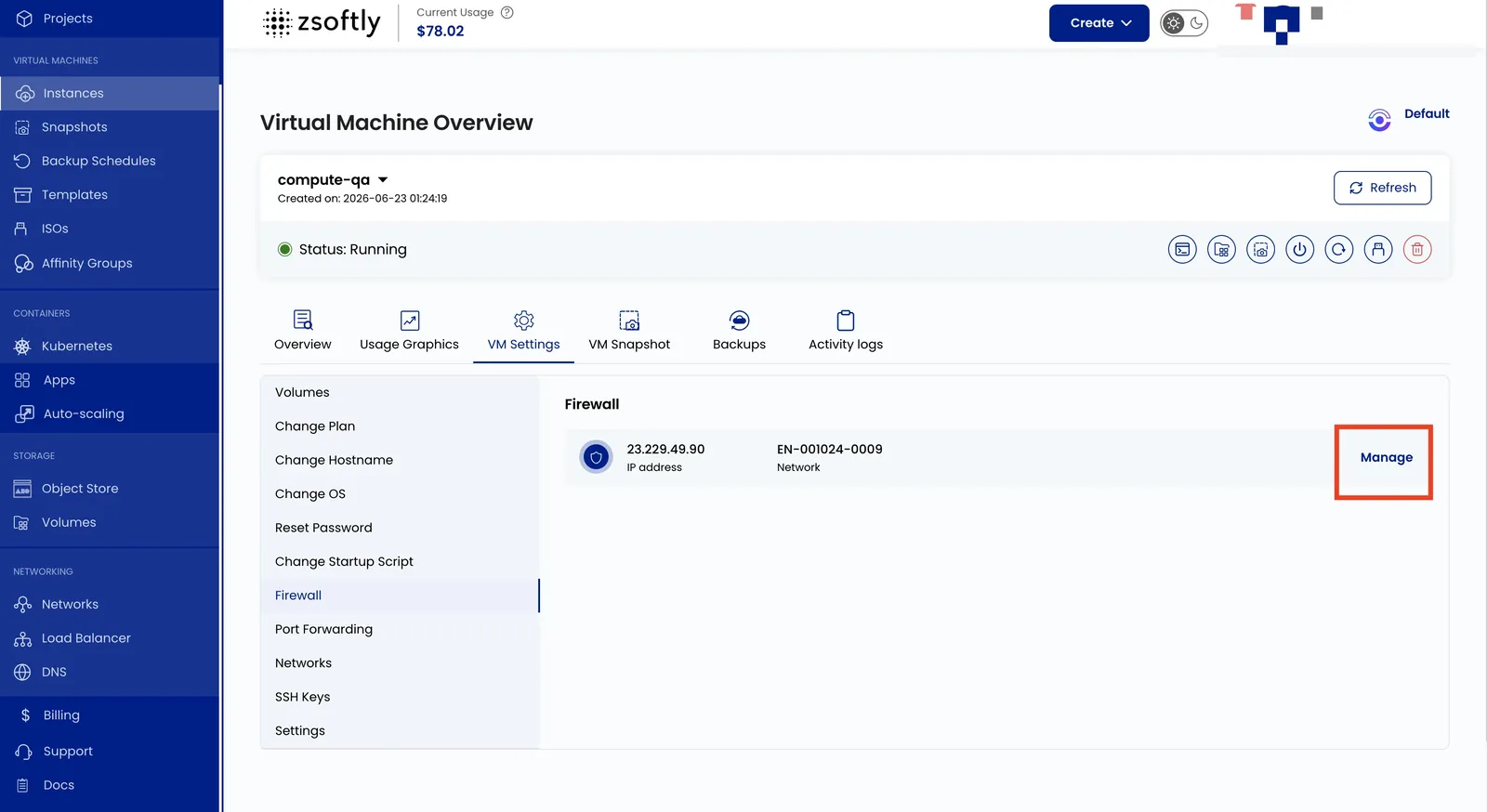
- Go to VM Settings → Firewall.
- Click Manage to change firewall configurations for the network.
Example use case: block all traffic except SSH (port 22) and web traffic (ports 80/443).
See also: Networks, Port Forwarding