
Public IP Addresses
Public IP addresses allow resources in the network to communicate with the internet. All public IPs include network-level DDoS mitigation, absorbing volumetric attacks before they reach your workload.
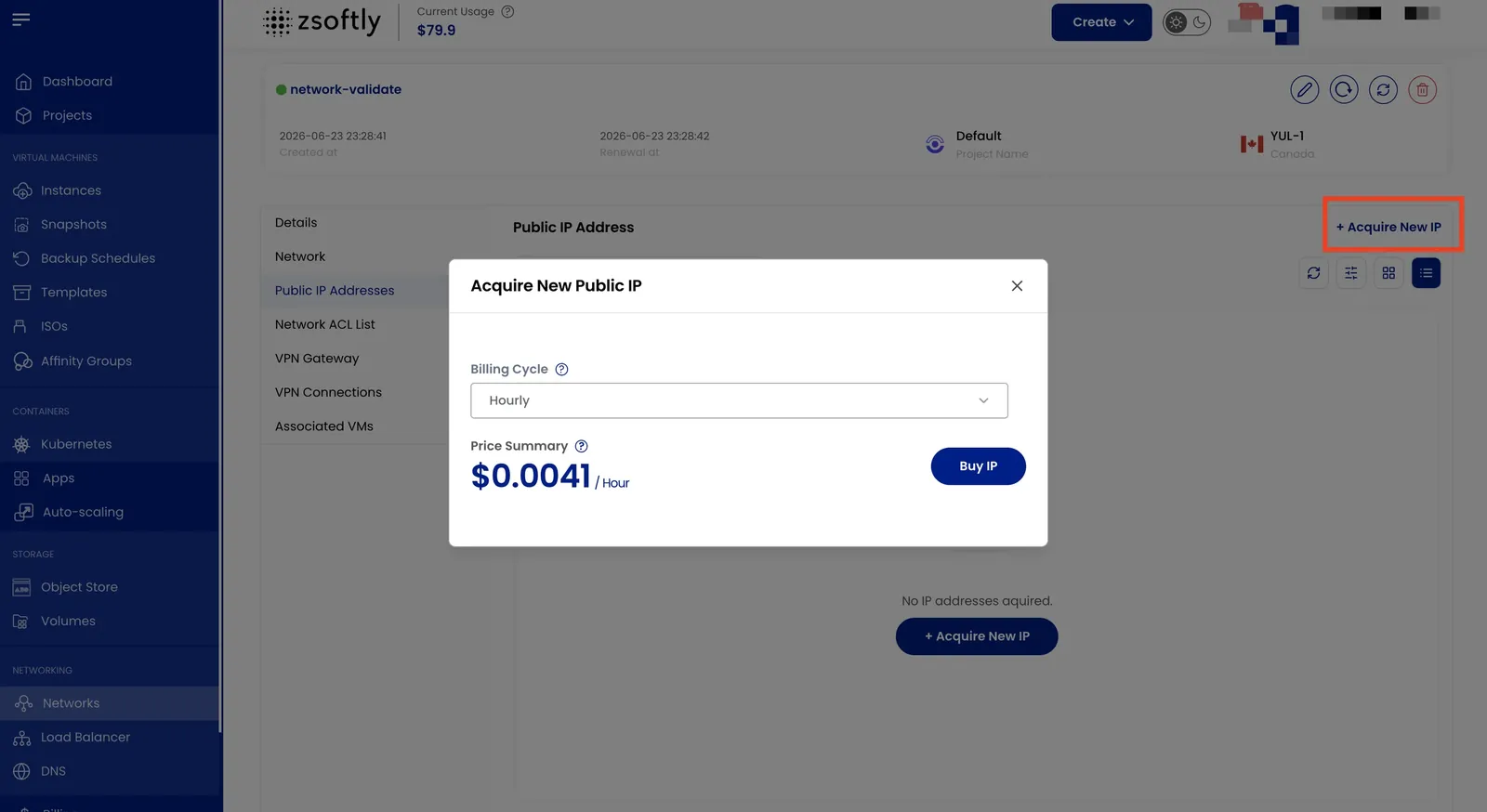
- In the Public IP Addresses tab, view all assigned public IPs.
- Click Acquire New IP to request a new public IP.
- Choose the desired Billing Cycle and click Buy IP.
See also: Network Overview, Create Public Network