
Create Public Network
A Public Network provides internet-facing access to cloud resources. It allows VMs and services to communicate with external systems over the internet.
Create a Public Network
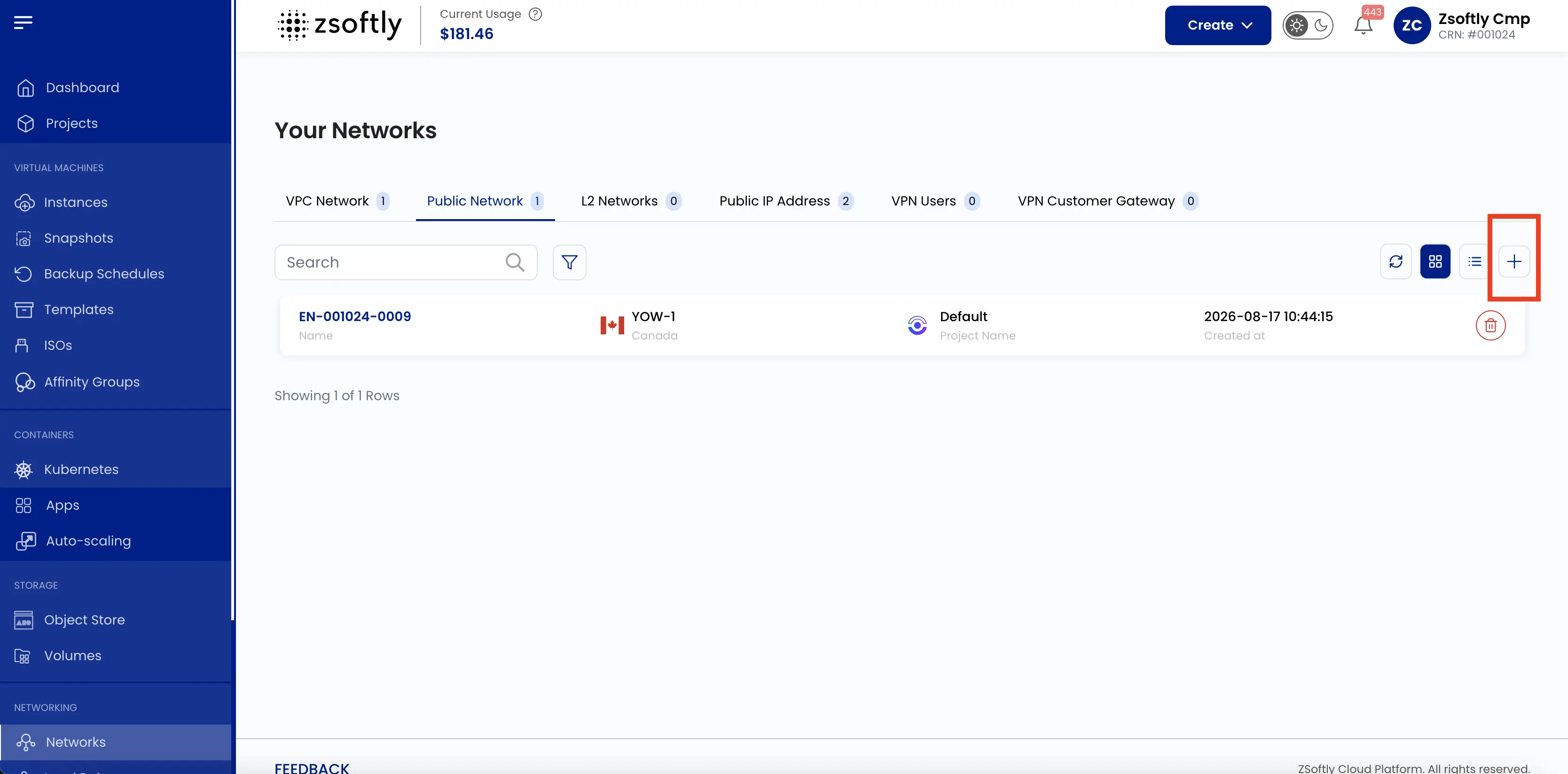
Section titled “Create a Public Network”- From the left-hand menu, click Networks → Public Network tab.
- Click the + icon. The page title is Create Isolated Network.
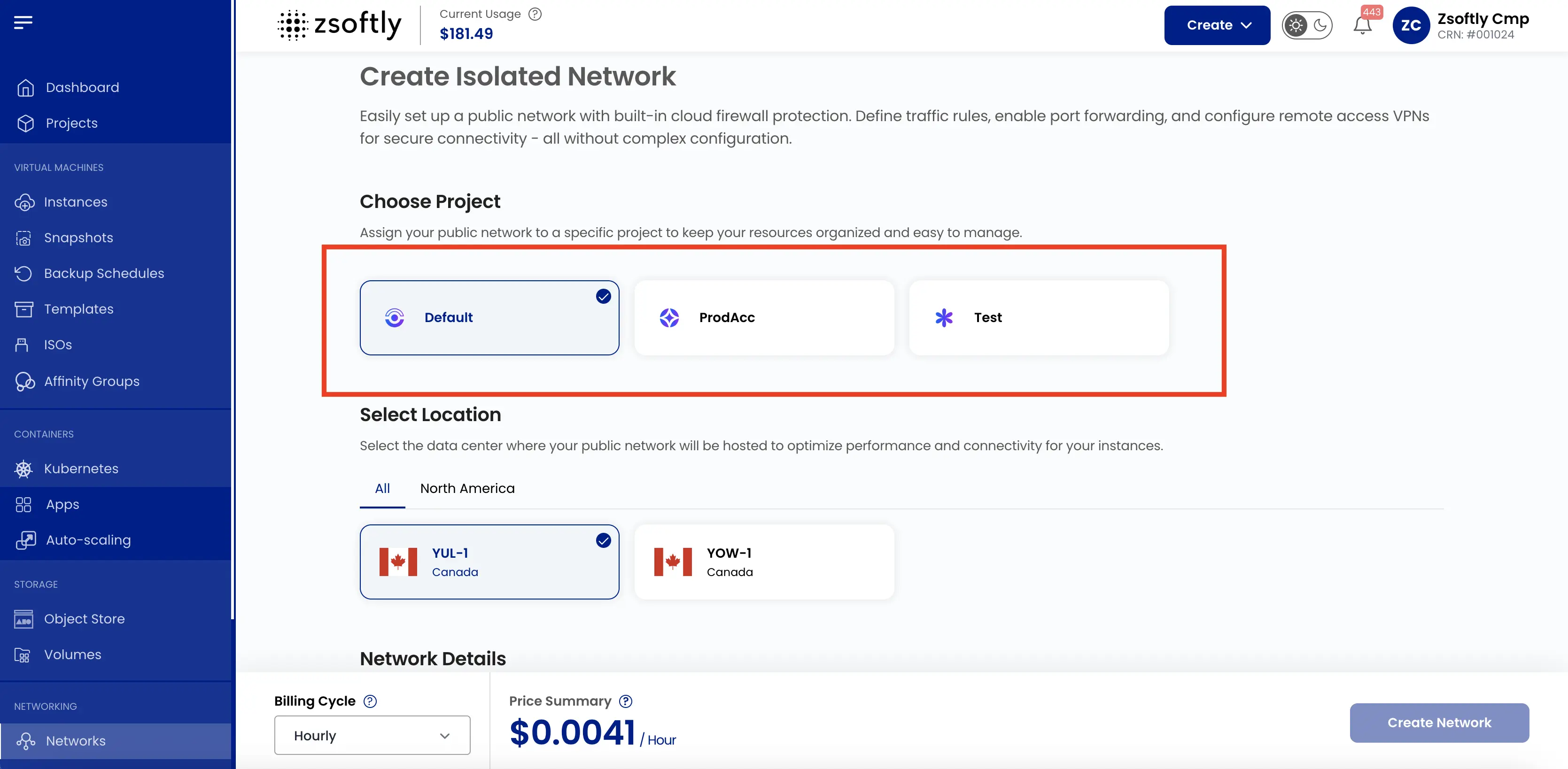
Choose Project
Section titled “Choose Project”Under Choose Project, select the project for the network.
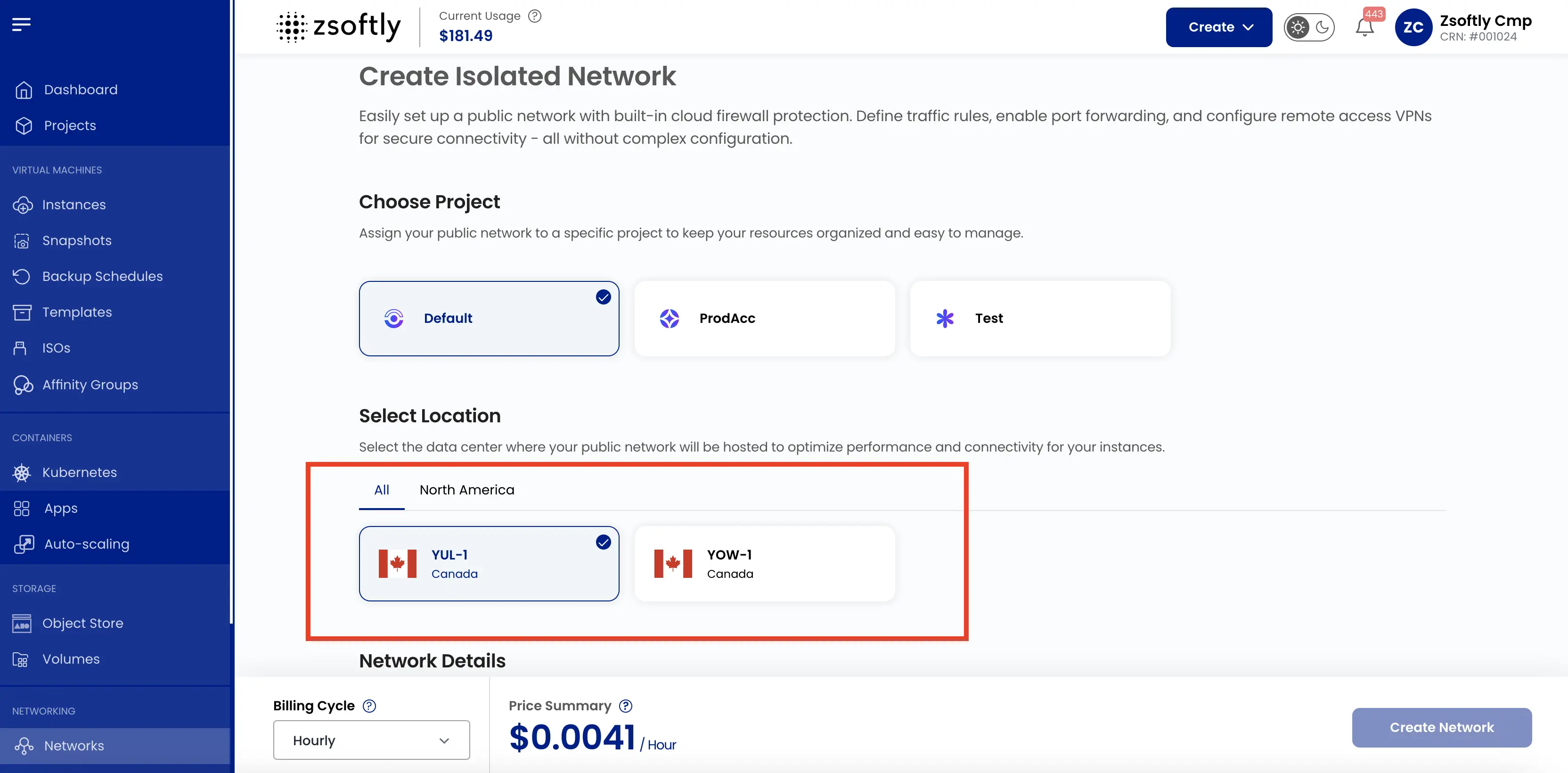
Select Location
Section titled “Select Location”Under Select Location, choose the data center location for the network.
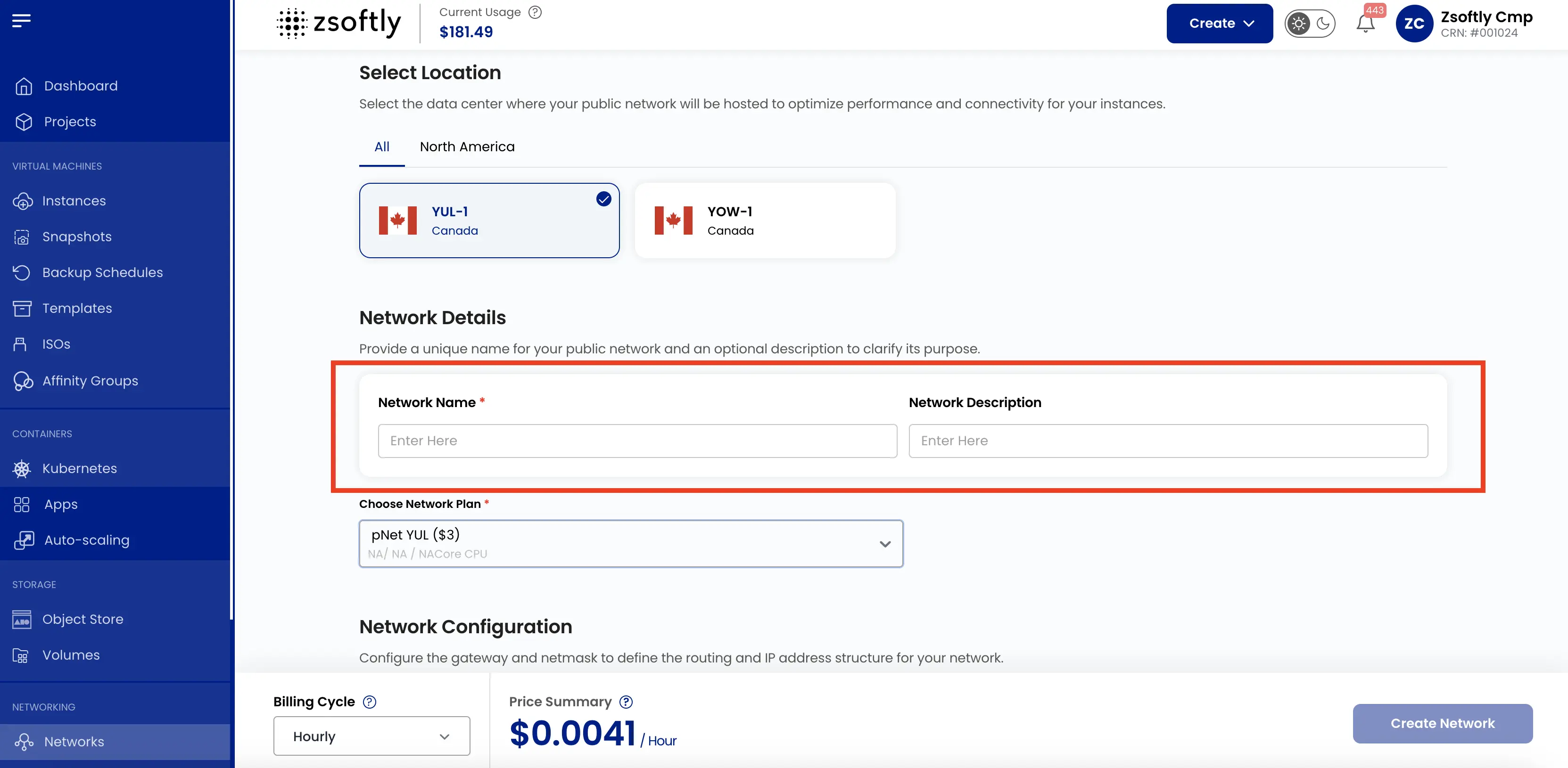
Network Details
Section titled “Network Details”Enter a Network Name.
Choose Network Plan
Section titled “Choose Network Plan”Under Choose Network Plan, select a network plan.
Network Configuration
Section titled “Network Configuration”ZSoftly has not verified whether Gateway and Netmask are required. If the portal populates a field with a value for the selected network, leave that value unchanged. If either field is blank or appears to show placeholder text, do not enter or infer a value. Record the field and any message shown, then open Support with the project, location, any message shown, and non-sensitive resource details.
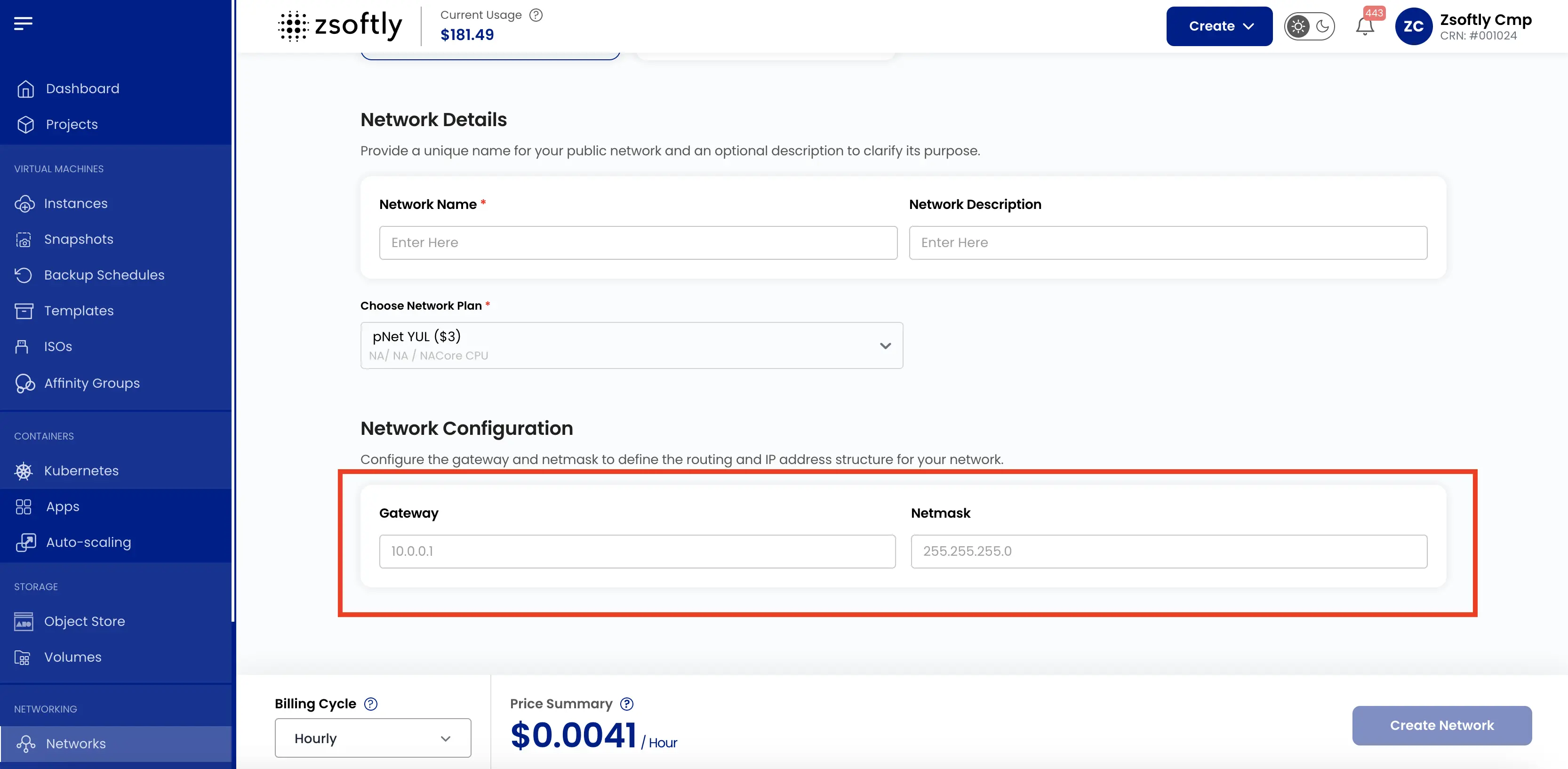
Create
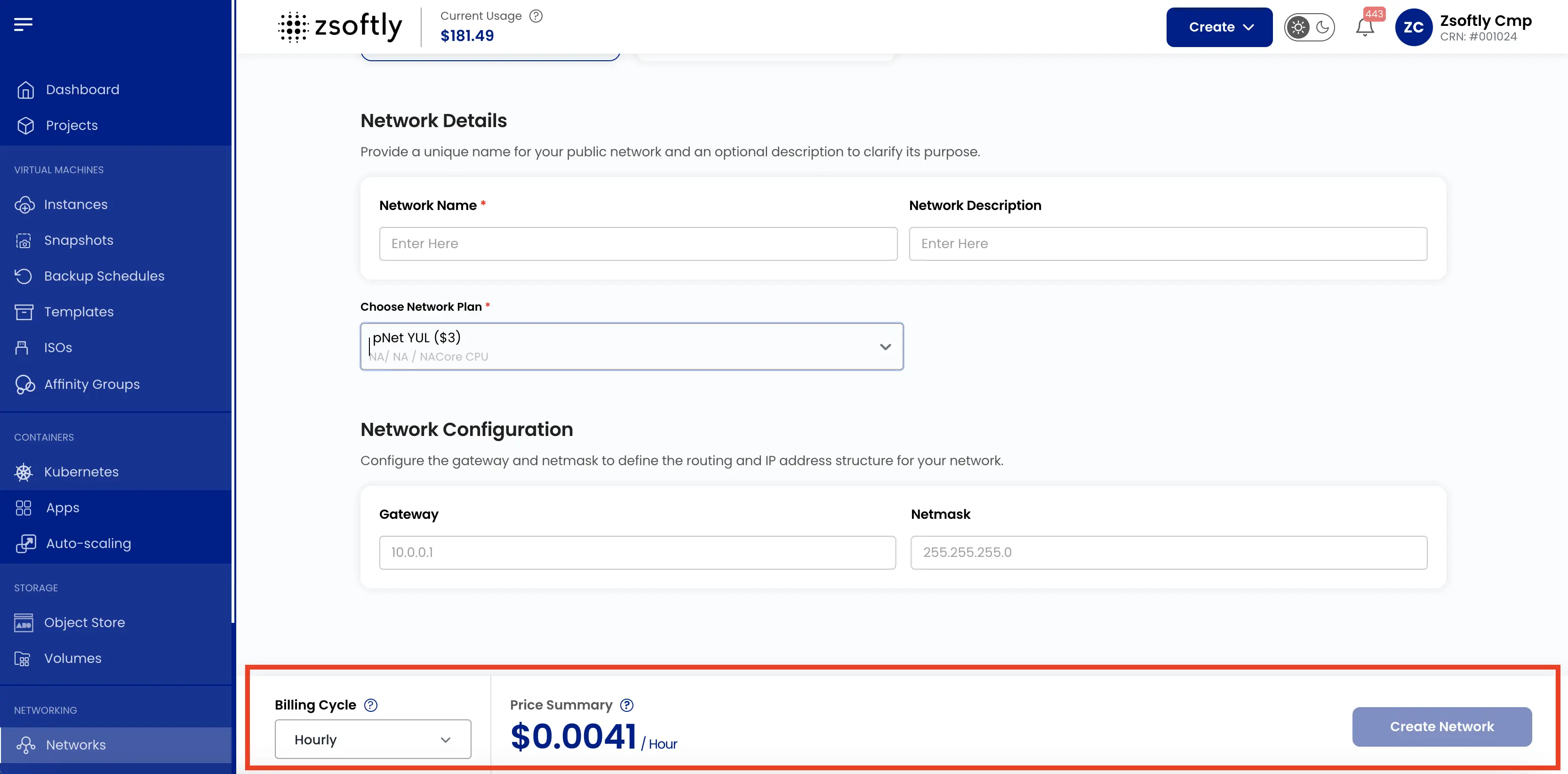
Section titled “Create”- Choose the Billing Cycle: Hourly, Monthly, or Yearly.
- Review the Price Summary and click Create Network.
See also: Network Overview, Public IPs