
Change OS
Change Operating System
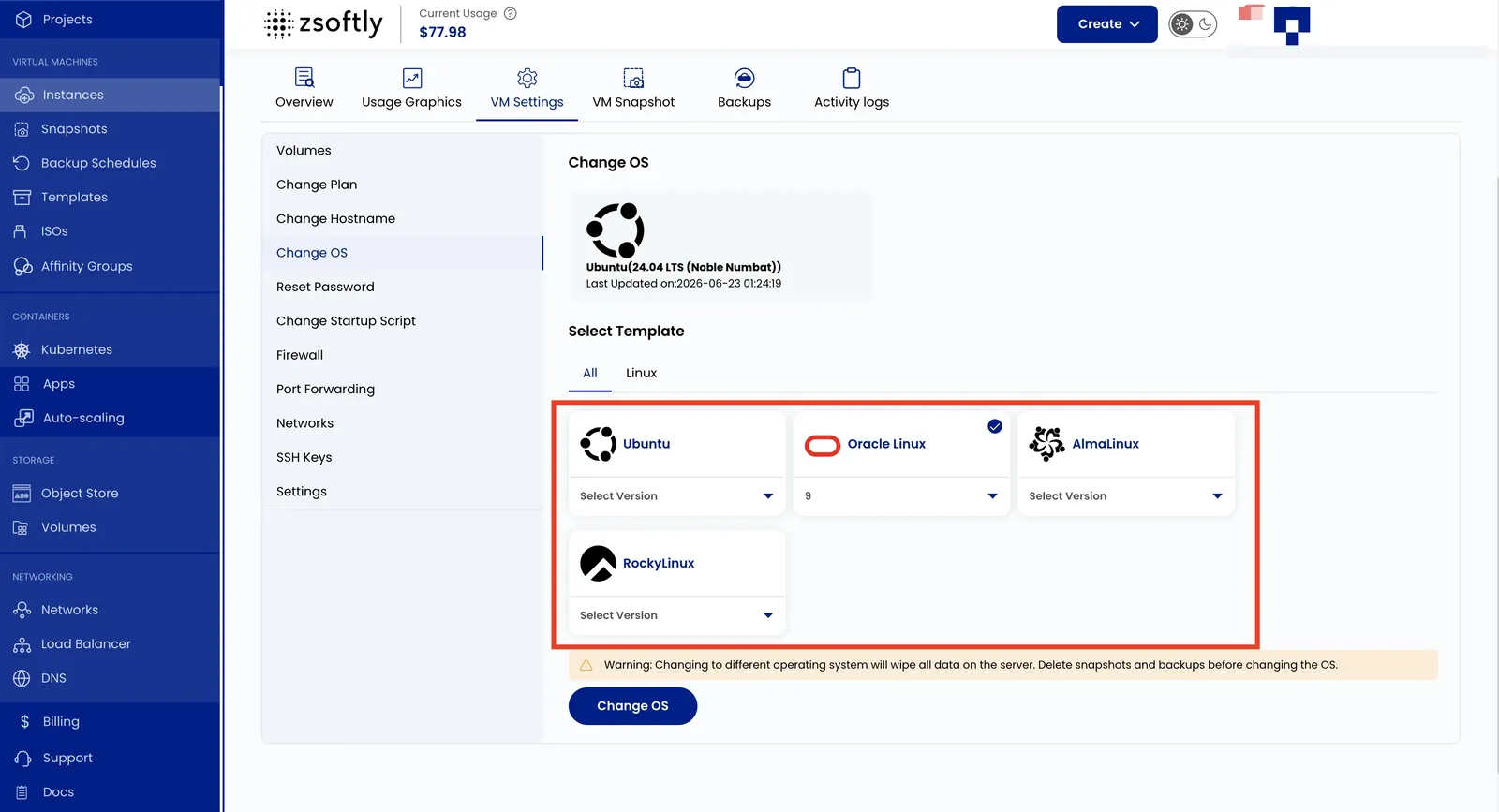
Section titled “Change Operating System”This setting reinstalls or switches the operating system running on your VM. Choose from Linux distributions or Windows images. Windows Server (2025 and 2022) and Windows 11 Pro are all available.
- Go to VM Settings → Change OS.
- From Templates, select the OS and version.
- Click Change OS.
See also: Create Instance