
Power Management
Power Management allows you to control the running state of your VM instance and configure scheduled power actions.
Manual Power Actions
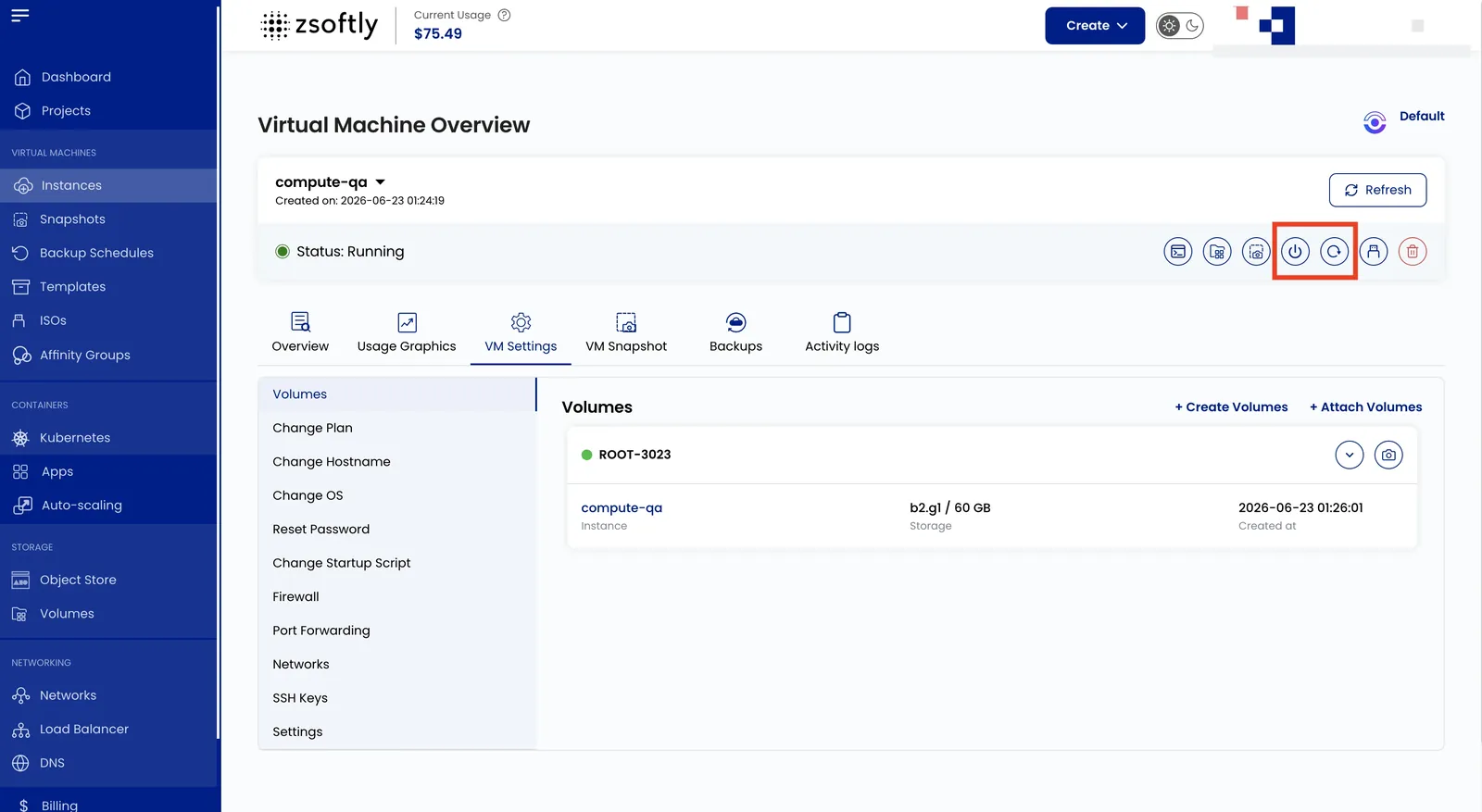
Section titled “Manual Power Actions”Available from the Instance Overview:
- Power Off: gracefully shuts down the VM
- Reboot: restarts the VM
- Power On: starts a stopped VM
Scheduled Power Actions
Section titled “Scheduled Power Actions”- From the instance page, navigate to the Power Management tab.
- Configure scheduled start and stop times with timezone support.
- Enable Notify me when machine is turned on/off to receive email alerts.