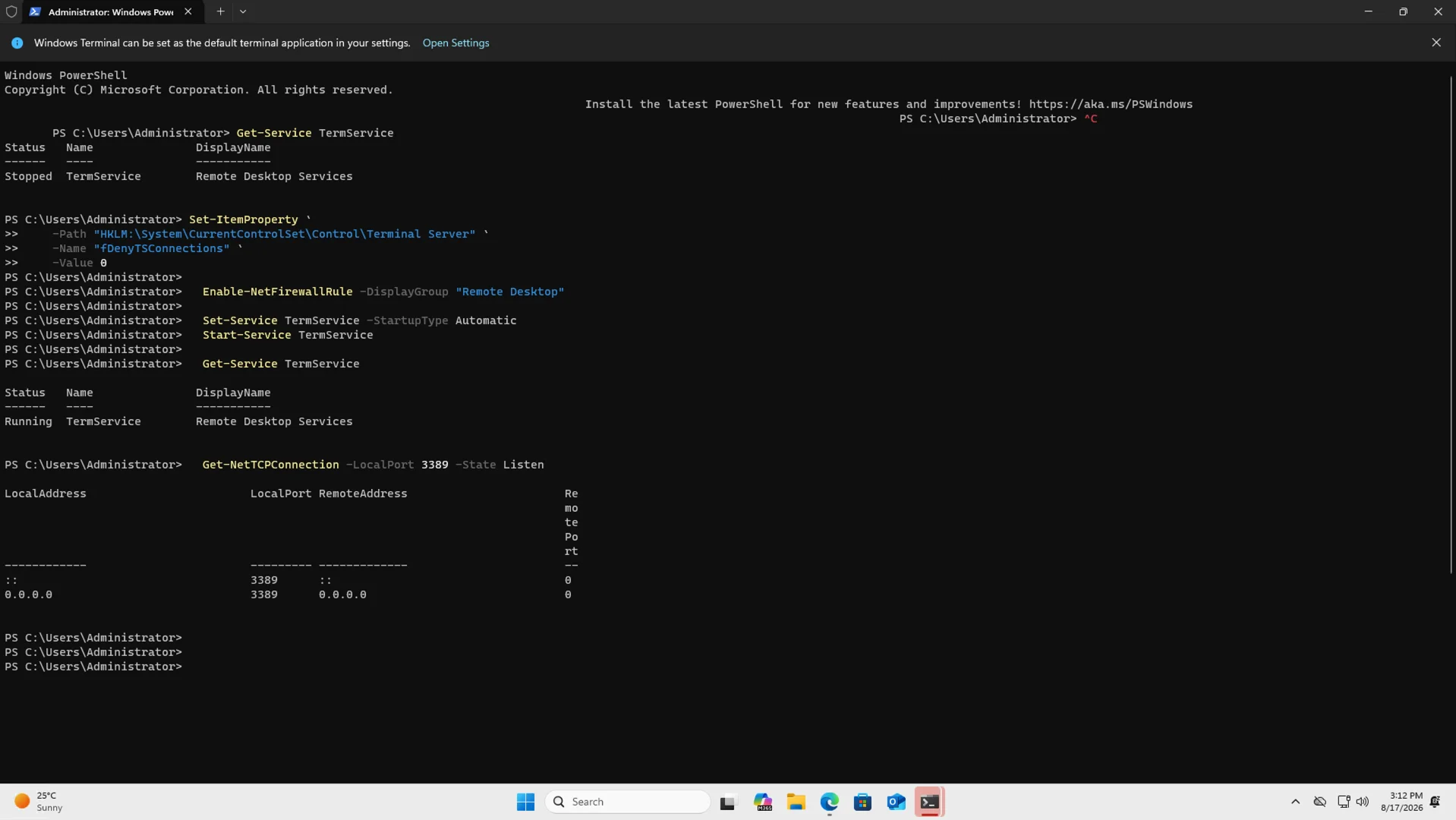
Connect With RDP
Remote Desktop Protocol (RDP) enables you to securely connect to and manage Windows VMs remotely.
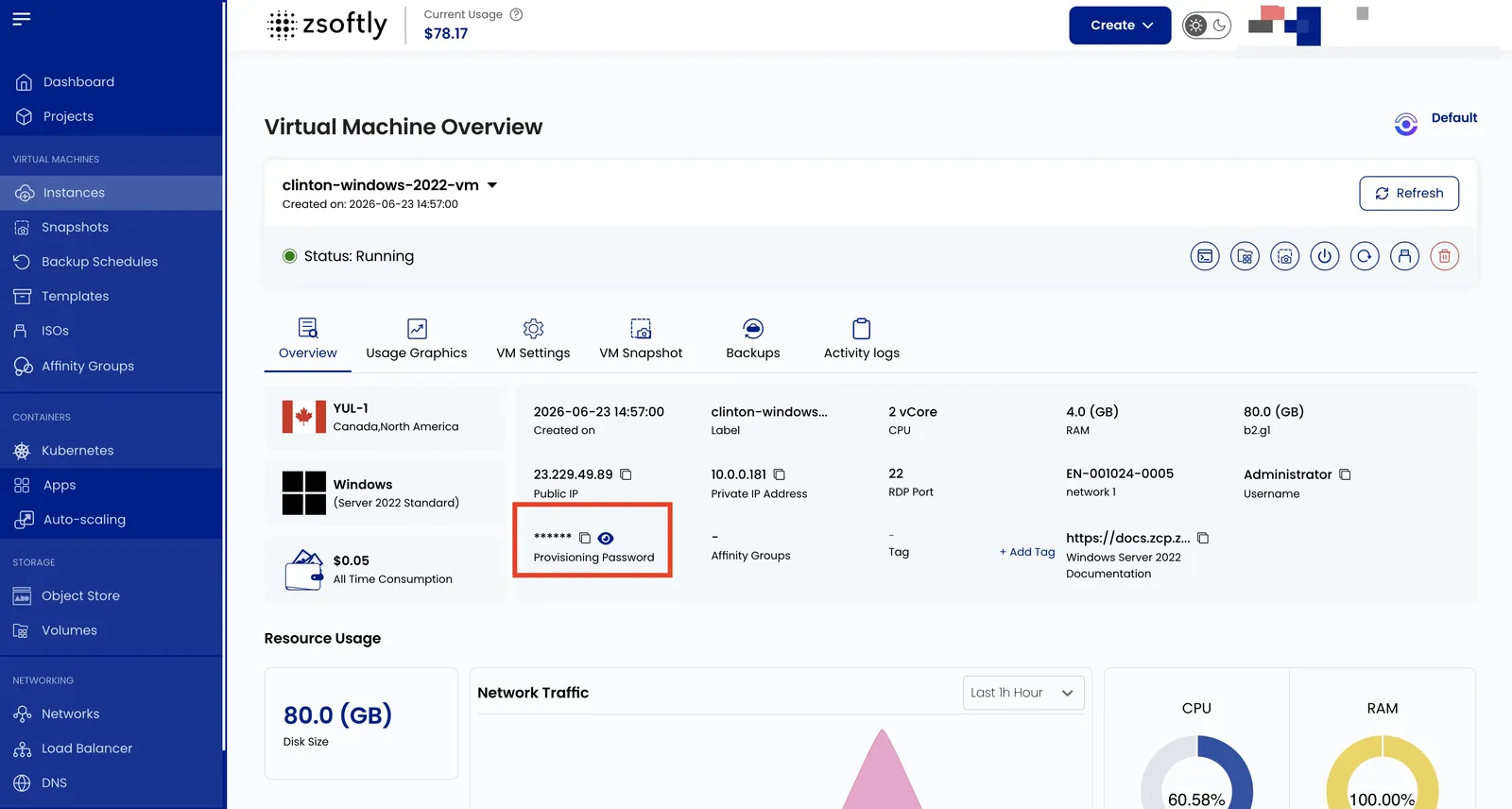
Access the Instance Overview
Section titled “Access the Instance Overview”- Go to Instances and select the Windows VM.
- In the VM Overview tab, find and copy the Username and Password fields.
Launch the RDP Client
Section titled “Launch the RDP Client”- Windows: Press Win+R, type
mstsc, press Enter. Or search “Remote Desktop Connection” in the Start menu. - macOS: Download Microsoft Remote Desktop from the Mac App Store.
- Linux: Install Remmina (
sudo apt install remminaon Ubuntu/Debian). Open Remmina and select RDP.
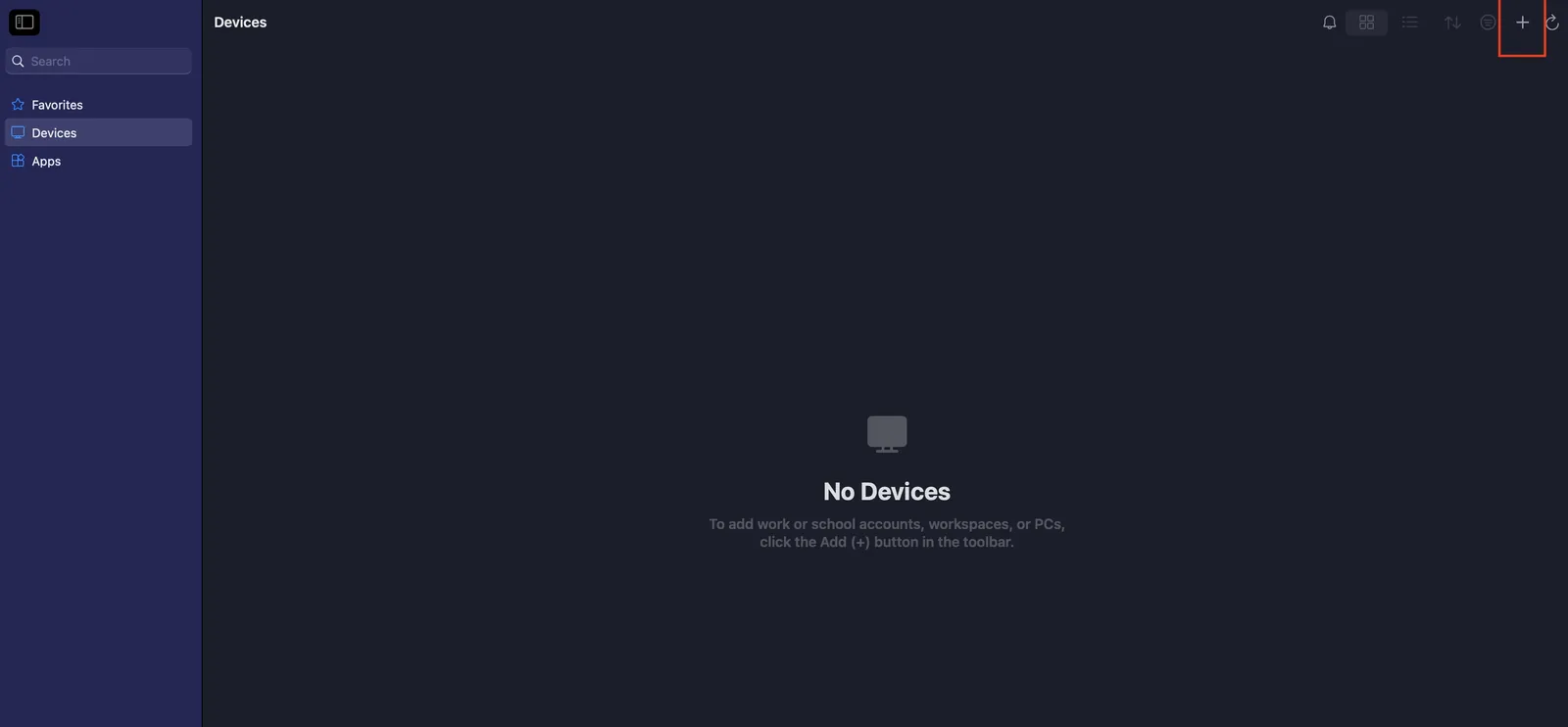
Connect
Section titled “Connect”- Find the Public IP Address of your VM in the Overview tab.
- Enter the Public IP in the RDP client.
- Enter the Username and Password copied from the portal.
- If a security warning appears, check “Don’t ask me again for connections to this computer” and click Yes.
- Click OK or Connect.
If RDP Does Not Connect
Section titled “If RDP Does Not Connect”RDP listens on TCP port 3389 inside the VM. If the VM has a public IP assigned directly, allow TCP 3389 in the firewall rule and connect to that public IP on port 3389. If you use Port Forwarding, map the configured public TCP port to VM port 3389, allow the public port in the firewall rule, and connect to the public IP and public port.
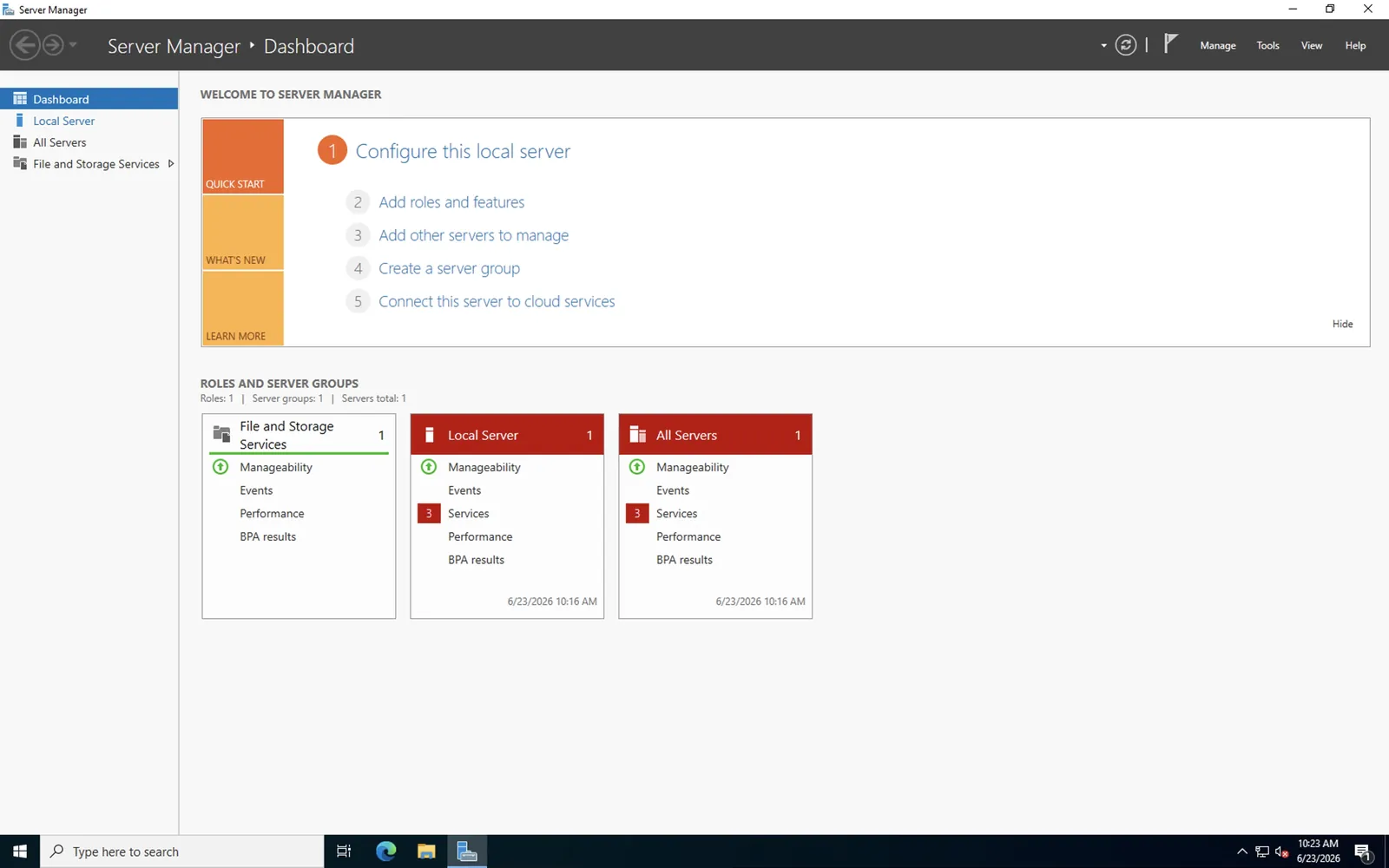
If the firewall rule is correct but the connection still fails, use Console Access to check the Windows guest. Open an Administrator PowerShell window and run:
Set-ItemProperty `  -Path "HKLM:\System\CurrentControlSet\Control\Terminal Server" `  -Name "fDenyTSConnections" `  -Value 0
Enable-NetFirewallRule -Group "@FirewallAPI.dll,-28752"
Set-Service TermService -StartupType AutomaticSet-Service UmRdpService -StartupType AutomaticStart-Service TermServiceStart-Service UmRdpService
$services = Get-Service -Name TermService,UmRdpService$services | Select-Object Name,Status,StartType
$termServicePid = (Get-CimInstance Win32_Service -Filter "Name='TermService'").ProcessId$listeners = Get-NetTCPConnection -LocalPort 3389 -State Listen$listeners | Select-Object LocalAddress,LocalPort,OwningProcess
if ($services | Where-Object { $_.Status -ne 'Running' }) {  throw "TermService and UmRdpService must both be Running"}if ($listeners.OwningProcess -notcontains $termServicePid) {  throw "The port 3389 listener does not belong to TermService"}"RDP listener matches TermService PID $termServicePid"
Confirm that TermService and UmRdpService show Running, and that the listener check matches
the TermService PID. Then retry the RDP connection.