
VM Snapshots
Instance snapshots capture the current state of a VM, including configuration and data, at a specific point in time. Use them for backup, disaster recovery, and testing.
Create a VM Snapshot
Section titled “Create a VM Snapshot”- From the left-hand menu, click Snapshots → Instances Snapshot tab.
- Click Take Snapshot or the + icon.
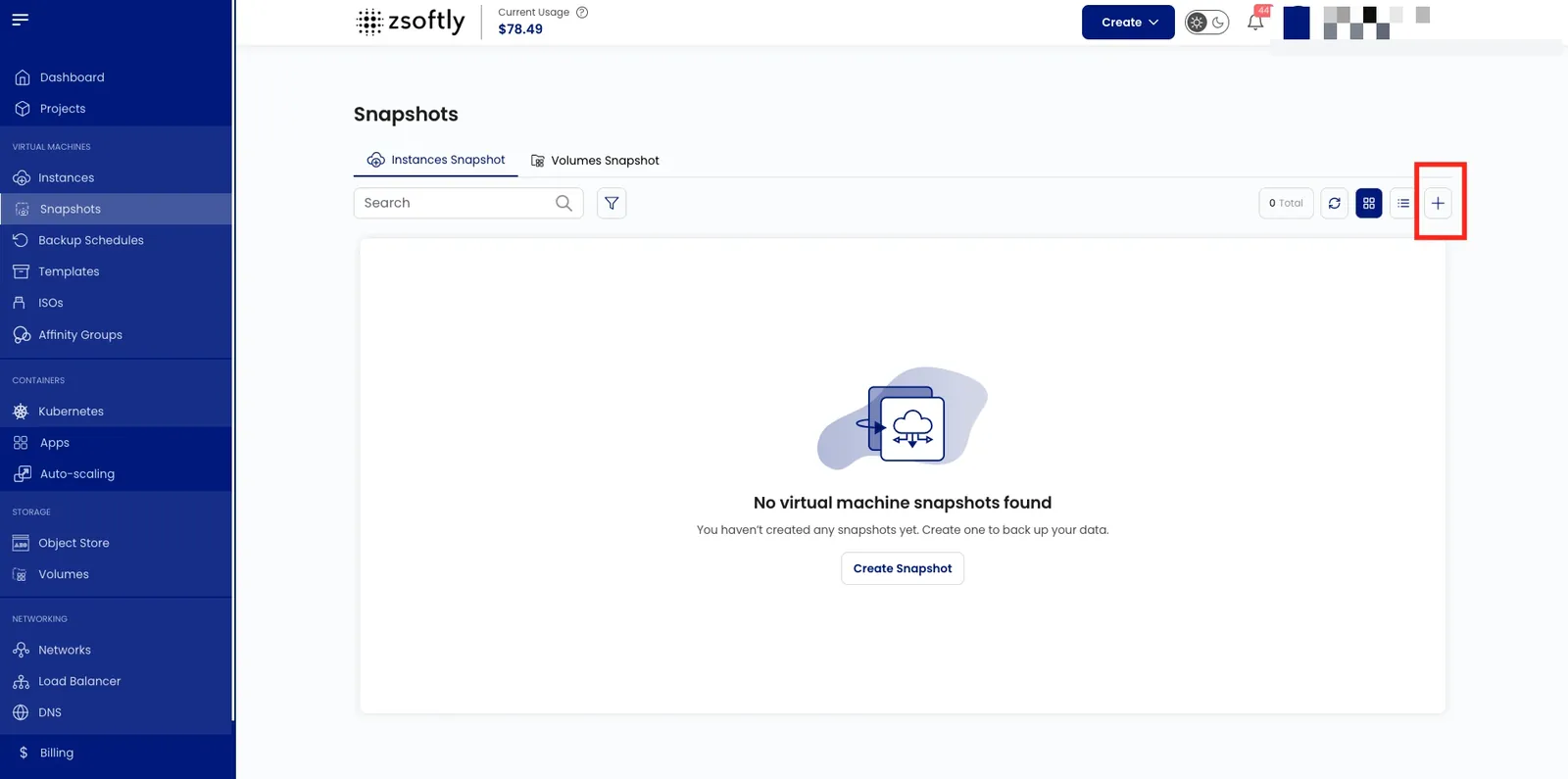
- Location: select the data center.
- Project: assign to a project.
- Instance: select the VM to snapshot.
- Snapshot Name: provide a unique name.
- Create: Billing: Hourly only, Fixed Prorata rule. Click Take Snapshot.
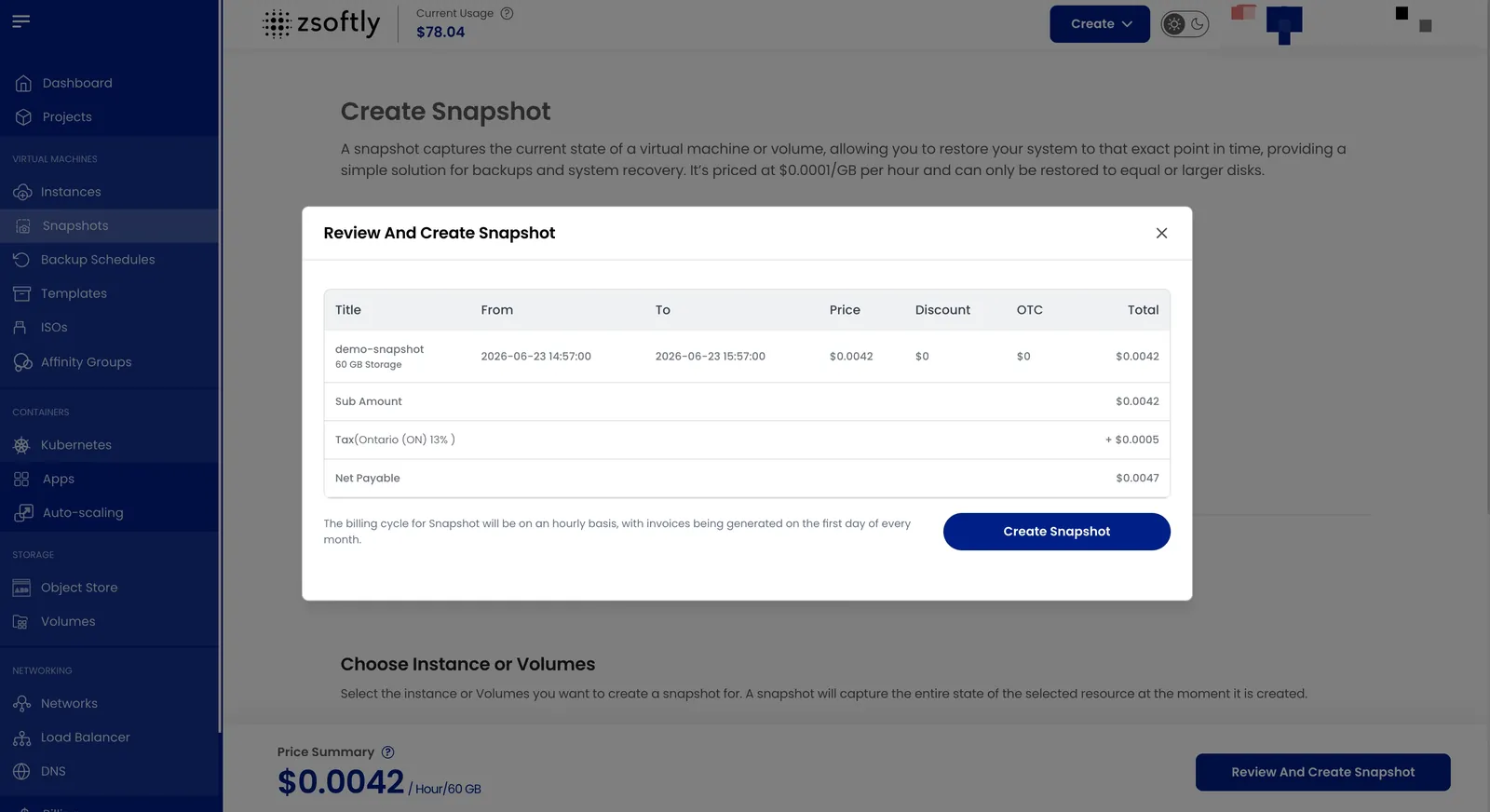
See also: Volume Snapshots, Backups