
Affinity Groups
Affinity Groups control the placement of VMs on hypervisor hosts within the cloud infrastructure. Use them to co-locate VMs for low-latency communication or spread them across hosts for fault tolerance.
Create an Affinity Group
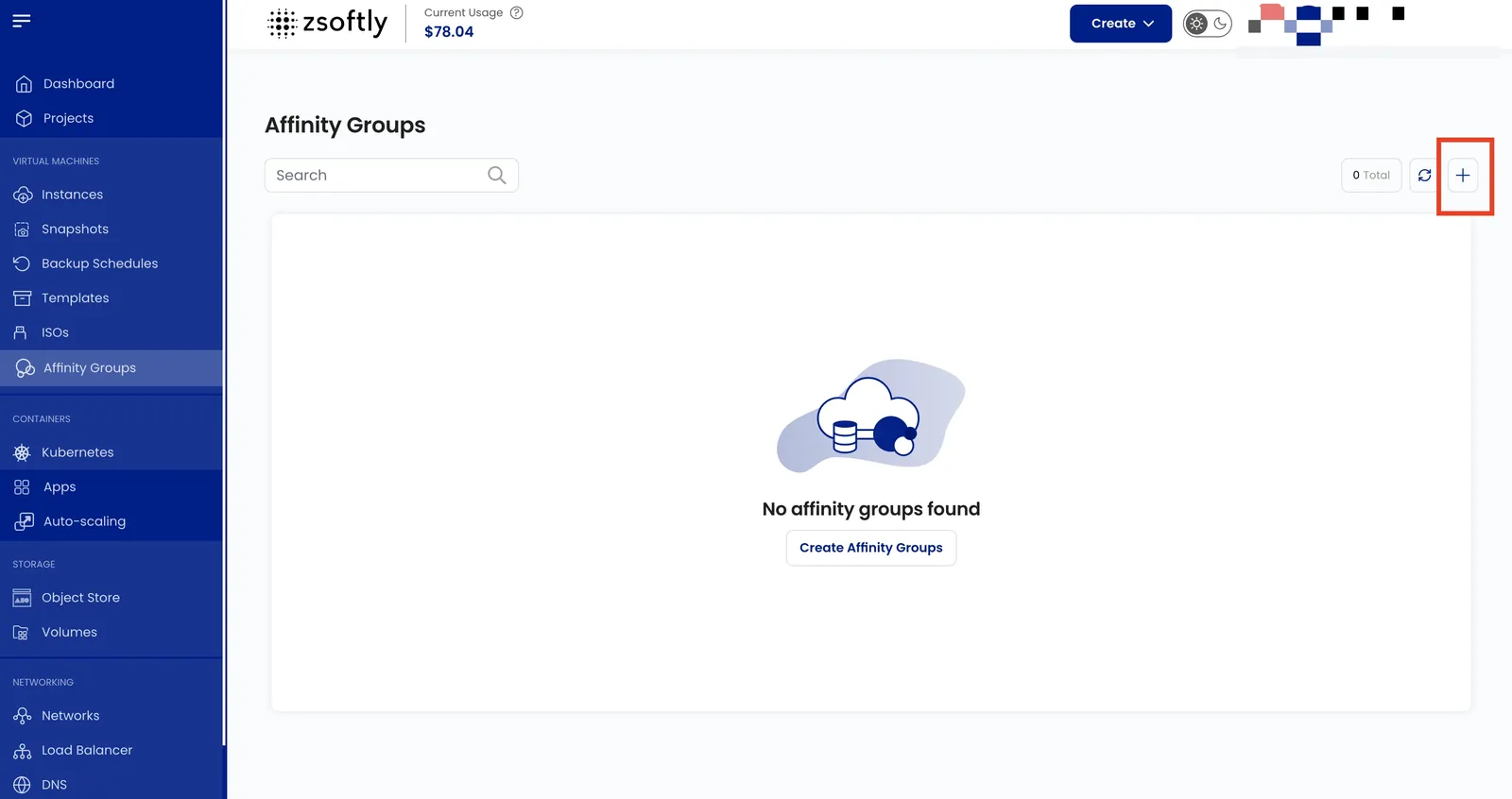
Section titled “Create an Affinity Group”- From the left-hand menu, click Affinity Groups.
- Click Create Affinity Groups or the + icon.
- Choose the Project and Availability Zone.
- Enter a Name and Description.
- Select the affinity group type:
| Type | Behavior |
|---|---|
| Host Affinity (Strict) | VMs must always run on the same hypervisor host. If not possible, deployment fails. |
| Host Anti-Affinity (Strict) | VMs must always run on different hosts. If not possible, deployment fails. |
| Host Anti-Affinity (Non-Strict) | Prefers different hosts, but allows same host if capacity requires it. |
| Host Affinity (Non-Strict) | Prefers same host, but allows different hosts if needed. |
- Click Submit.