Port Forwarding
Port Forwarding redirects traffic from a specific port on your public IP to a port on your VM. For example, forward external traffic on port 8080 to port 80 on your VM for web server access.
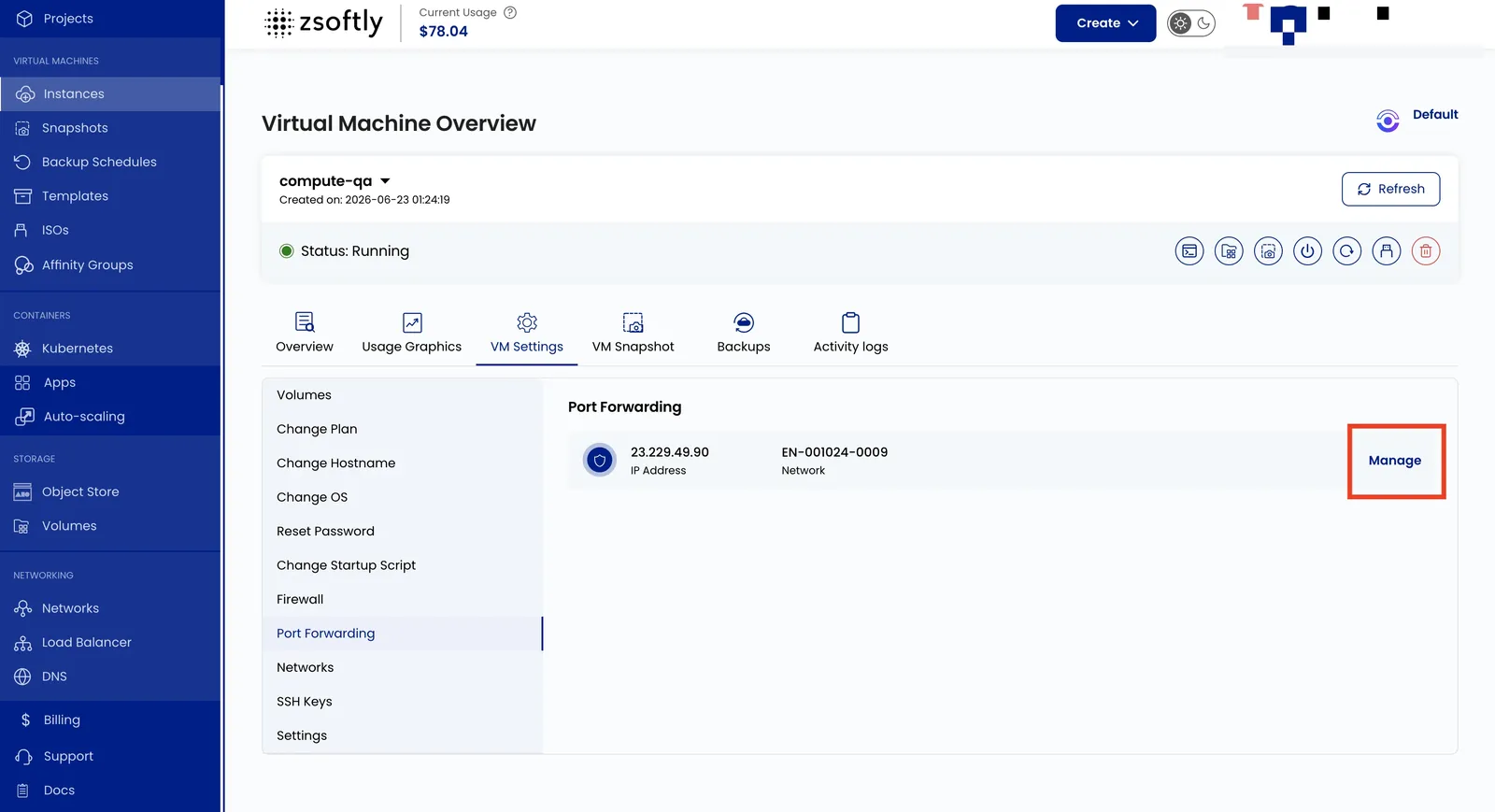
- Go to VM Settings → Port Forwarding.
- Click Manage to change port configurations for the network.