
Volume Snapshots
Volume Snapshots capture the current state of a block storage volume at a specific point in time. Use them for backup and recovery from accidental deletion or corruption.
Create a Volume Snapshot
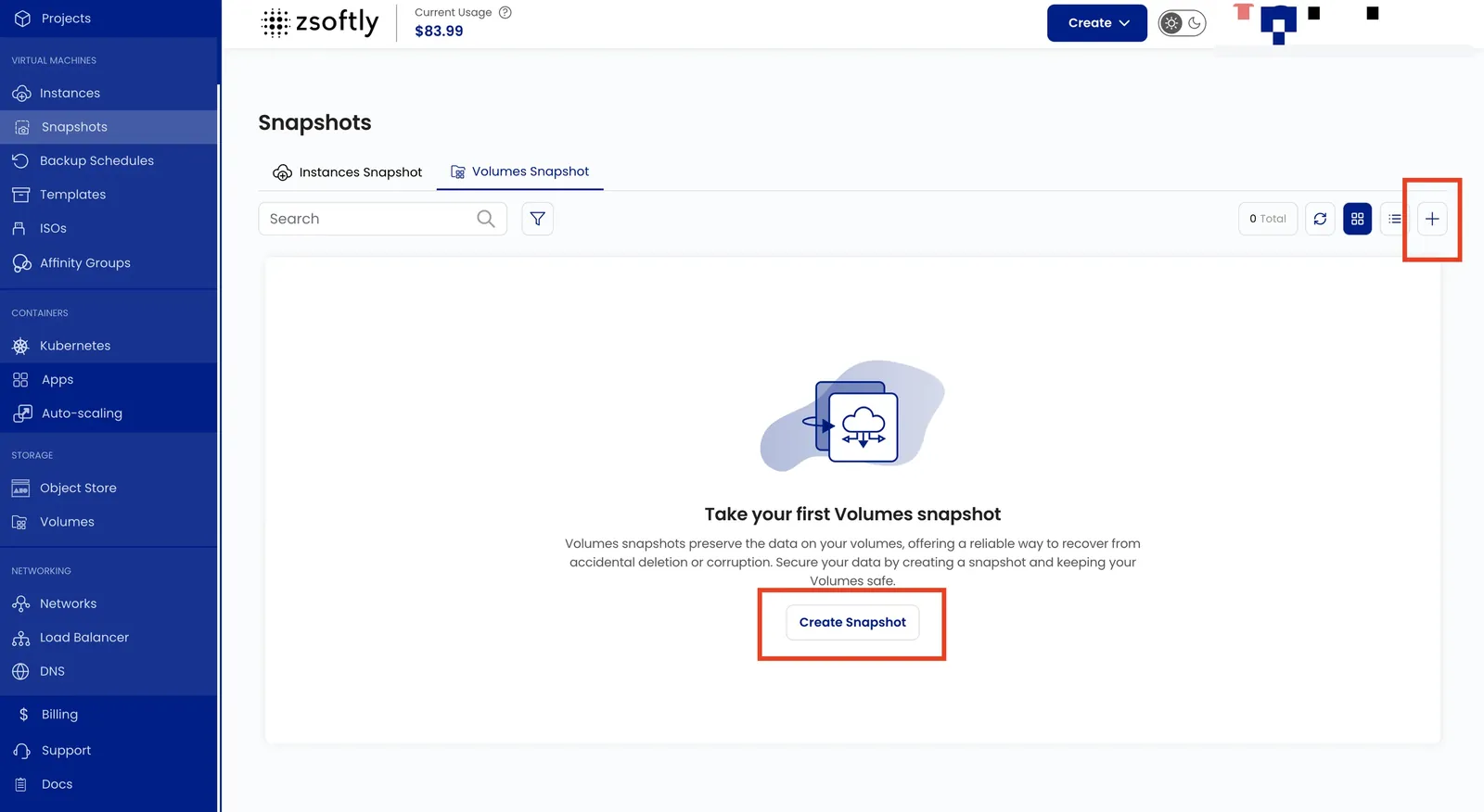
Section titled “Create a Volume Snapshot”- From the left-hand menu, click Snapshots → Volume Snapshot tab.
- Click Take Snapshot or the + icon.
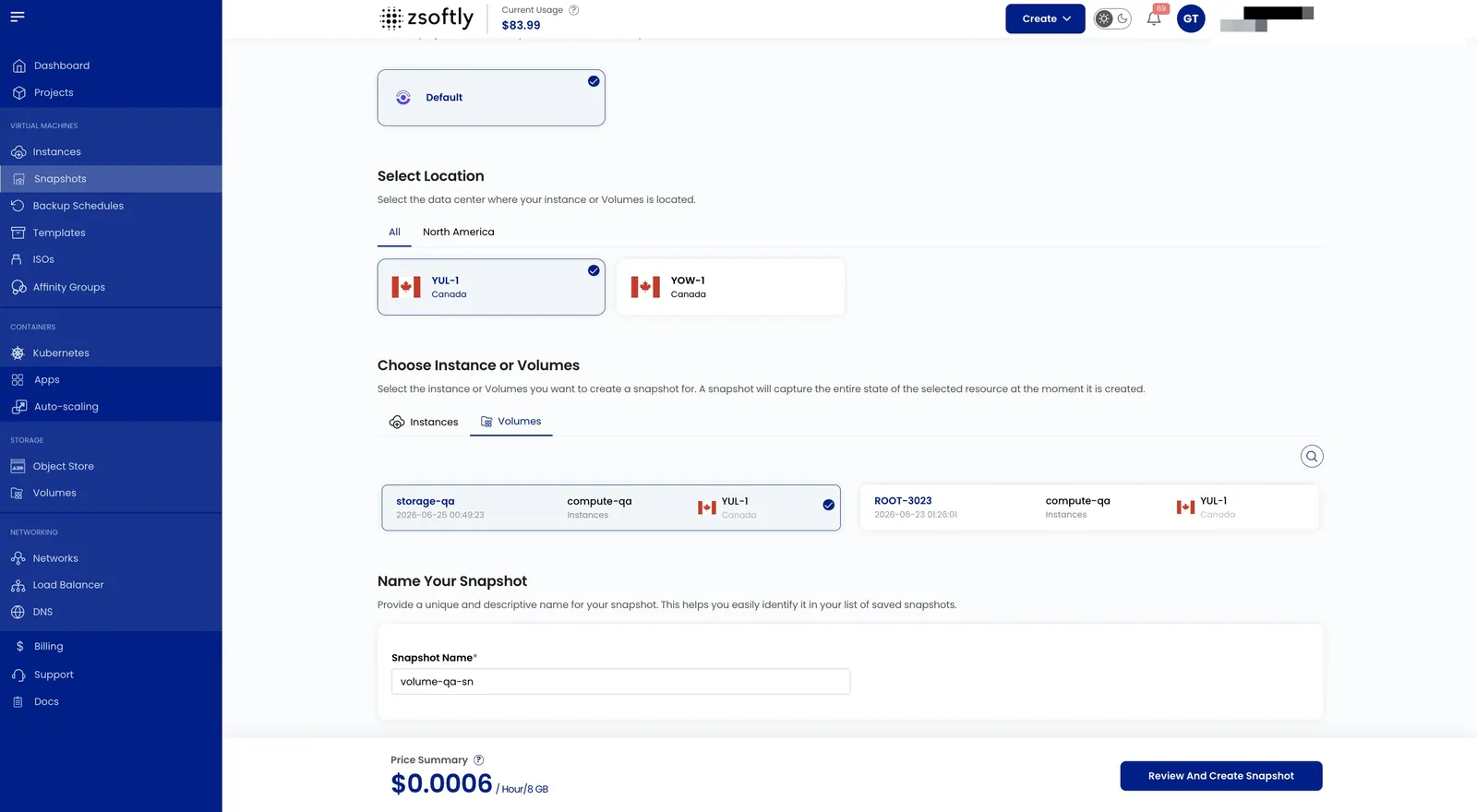
- Choose a Location: select the data center.
- Assign to a Project.
- Choose Block Storage: select the volume to snapshot.
- Snapshot Name: provide a unique name.
- Create: Billing cycle: Hourly only. Billing rule: Fixed Prorata only. Click Take Snapshot.
See also: Create Volume, VM Snapshots