
Cluster Overview
Kubernetes Cluster Overview
Section titled “Kubernetes Cluster Overview”The Cluster Overview page provides a summary and management options for your Kubernetes cluster.
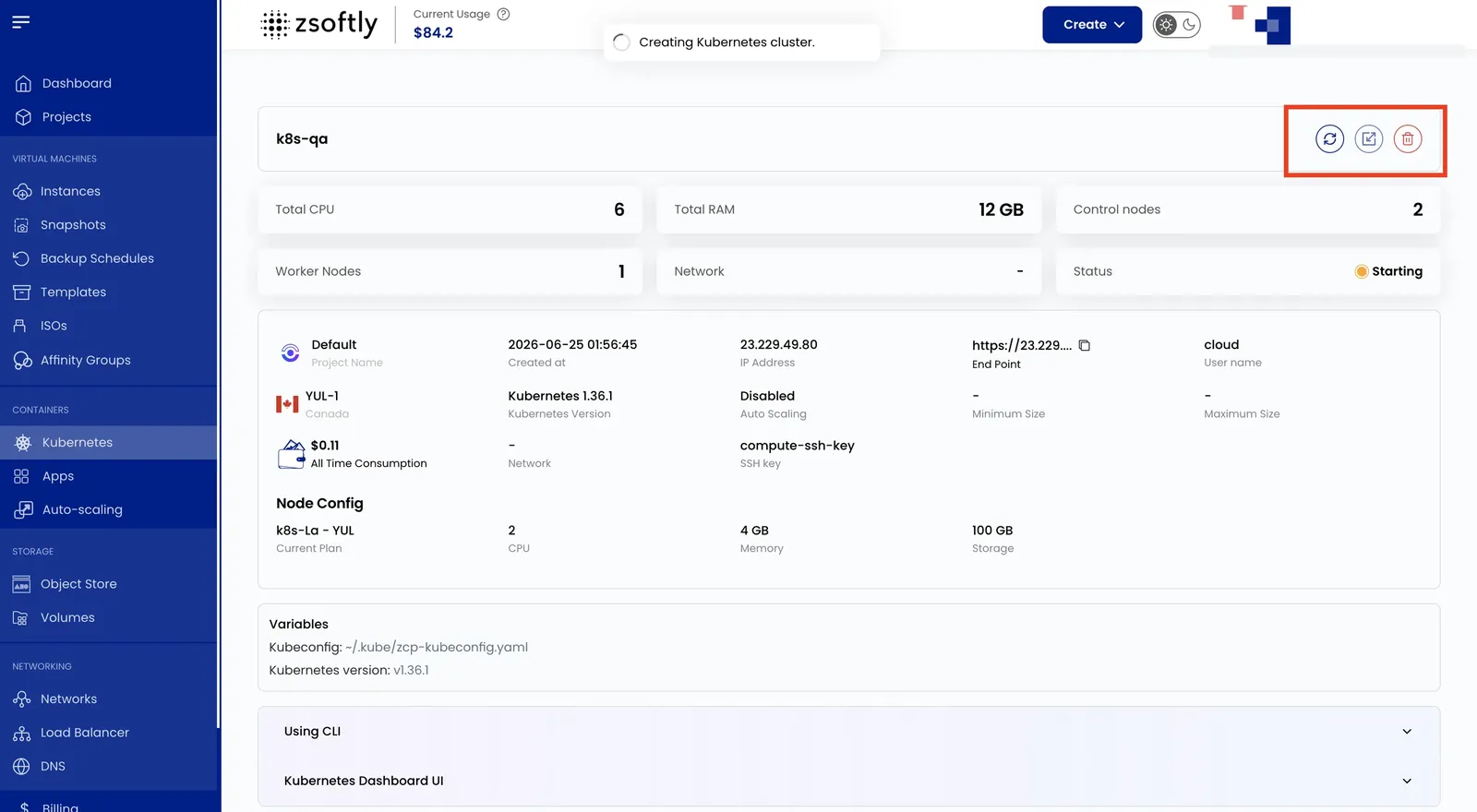
Action Buttons
Section titled “Action Buttons”- Upgrade Kubernetes Version: update to a newer release. Upgrades move one minor version at a time. A patch upgrade within the same minor version is also available.
- Refresh: reload latest cluster data
- Download Config: download the
kubeconfigfile forkubectl - Power Off: gracefully shut down the cluster
- Delete: permanently delete the cluster and all resources
Cluster Overview
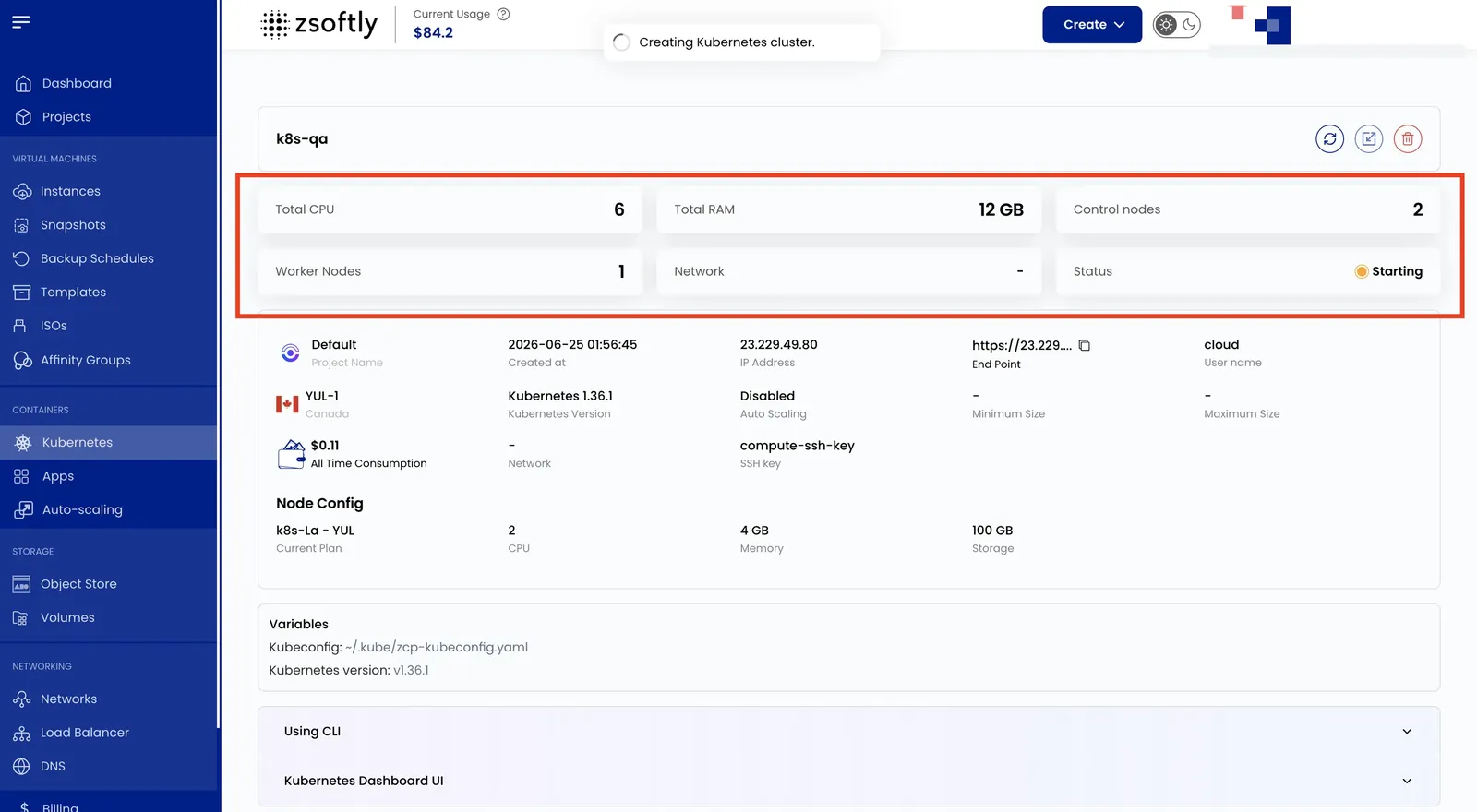
Section titled “Cluster Overview”- Total CPU, Total RAM
- Control Nodes / Worker Nodes
- Network, Status
Cluster Information
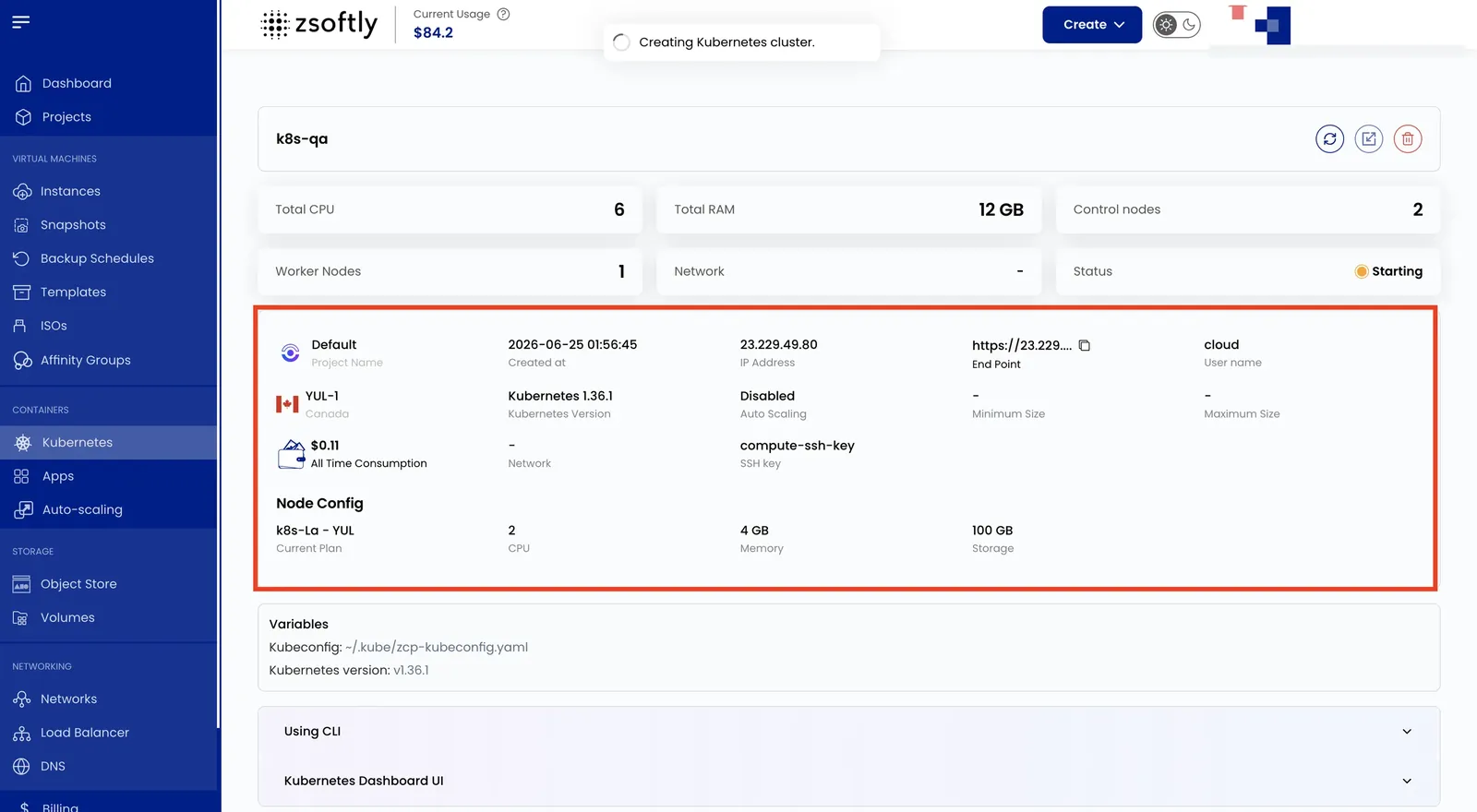
Section titled “Cluster Information”- Project Name, Created At, IP Address, API Endpoint, Cloud, Username, Location
- Kubernetes Version, Auto Scaling (min/max node count if enabled)
- All-Time Consumption, Network, SSH Key
Node Config
Section titled “Node Config”- Current Plan, CPU per node, Memory per node, Storage per node
Upgrade Your Cluster
Section titled “Upgrade Your Cluster”Use Upgrade Kubernetes Version in the portal. Upgrade one minor version at a time, such as 1.34 to 1.35, then 1.35 to 1.36. You can also apply a patch upgrade within the same minor line.
Before each upgrade:
-
Validate the target version in a test cluster that mirrors your live workload.
-
Confirm you have tested backups and a restore plan. Do not assume an in-place rollback is available.
-
Check operators, ingress controllers, storage add-ons, and workload dependencies for target-version compatibility. Review deprecated APIs and confirm PodDisruptionBudget headroom.
-
Inspect the cluster with read-only commands:
kubectl versionkubectl get nodeskubectl get deployments --all-namespaceskubectl get statefulsets --all-namespaceskubectl get pdb --all-namespaces
Click Upgrade Kubernetes Version, select the next supported version, and monitor the cluster health after the upgrade completes. Repeat the preflight checks after every step in a multi-minor upgrade. Plan for workload disruption during maintenance.
See the Kubernetes documentation for version-skew guidance and PodDisruptionBudgets.
See also: Create Cluster, kubectl Access, Dashboard Access