
Create Public Network
A Public Network provides internet-facing access to cloud resources. It allows VMs and services to communicate with external systems over the internet.
Create a Public Network
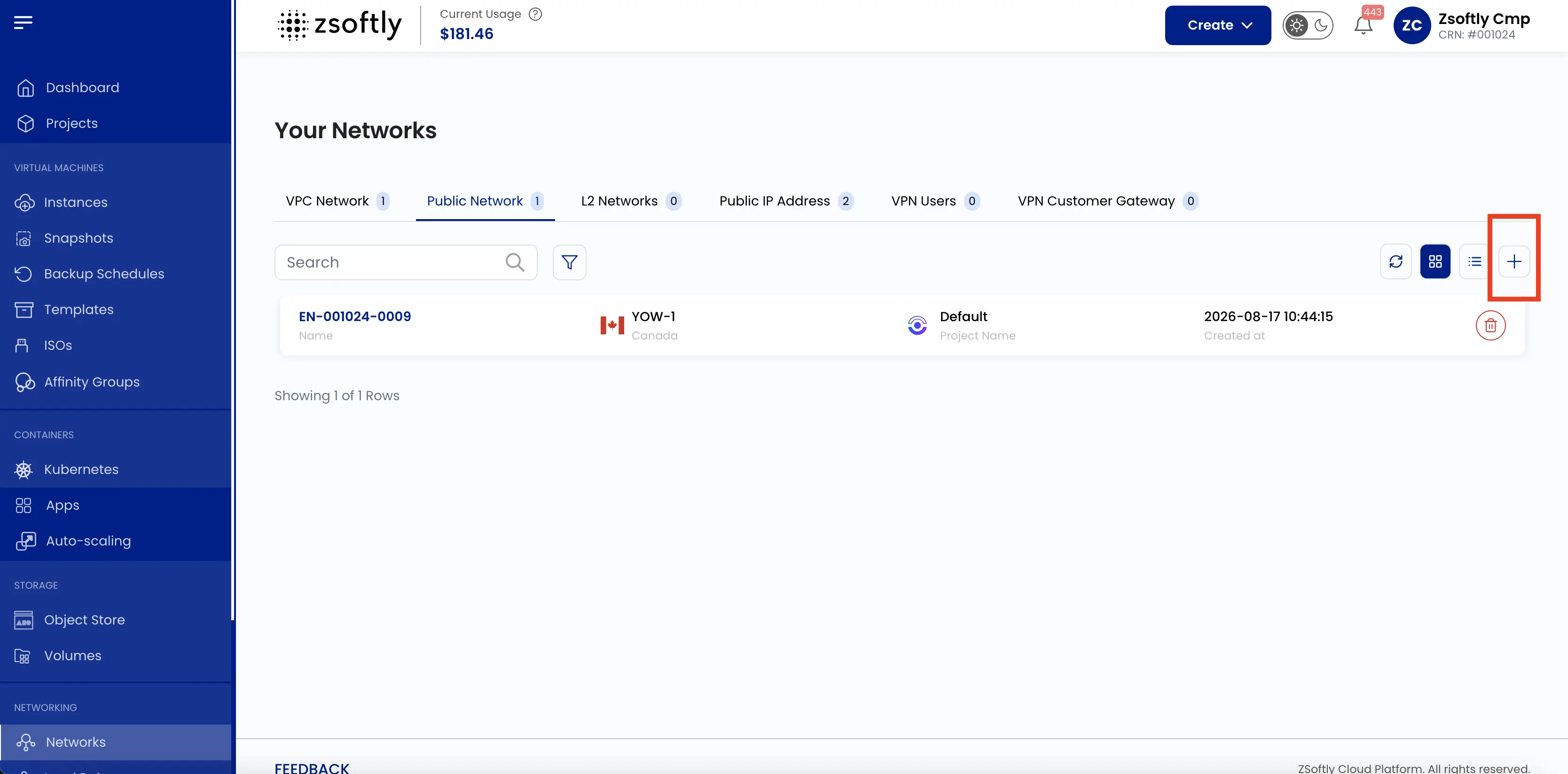
Section titled “Create a Public Network”- From the left-hand menu, click Networks → Public Network tab.
- Click the + icon to open the creation page.
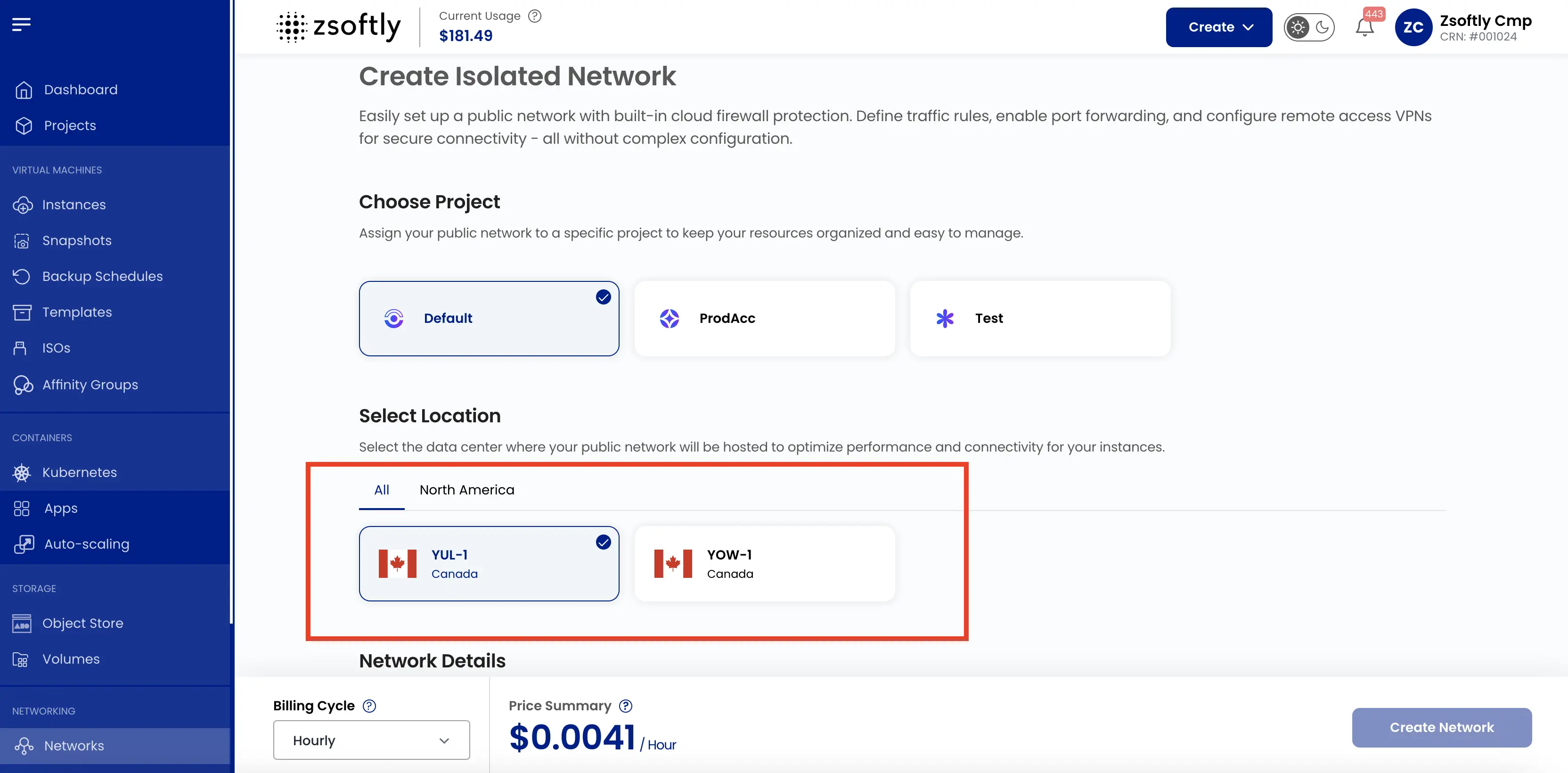
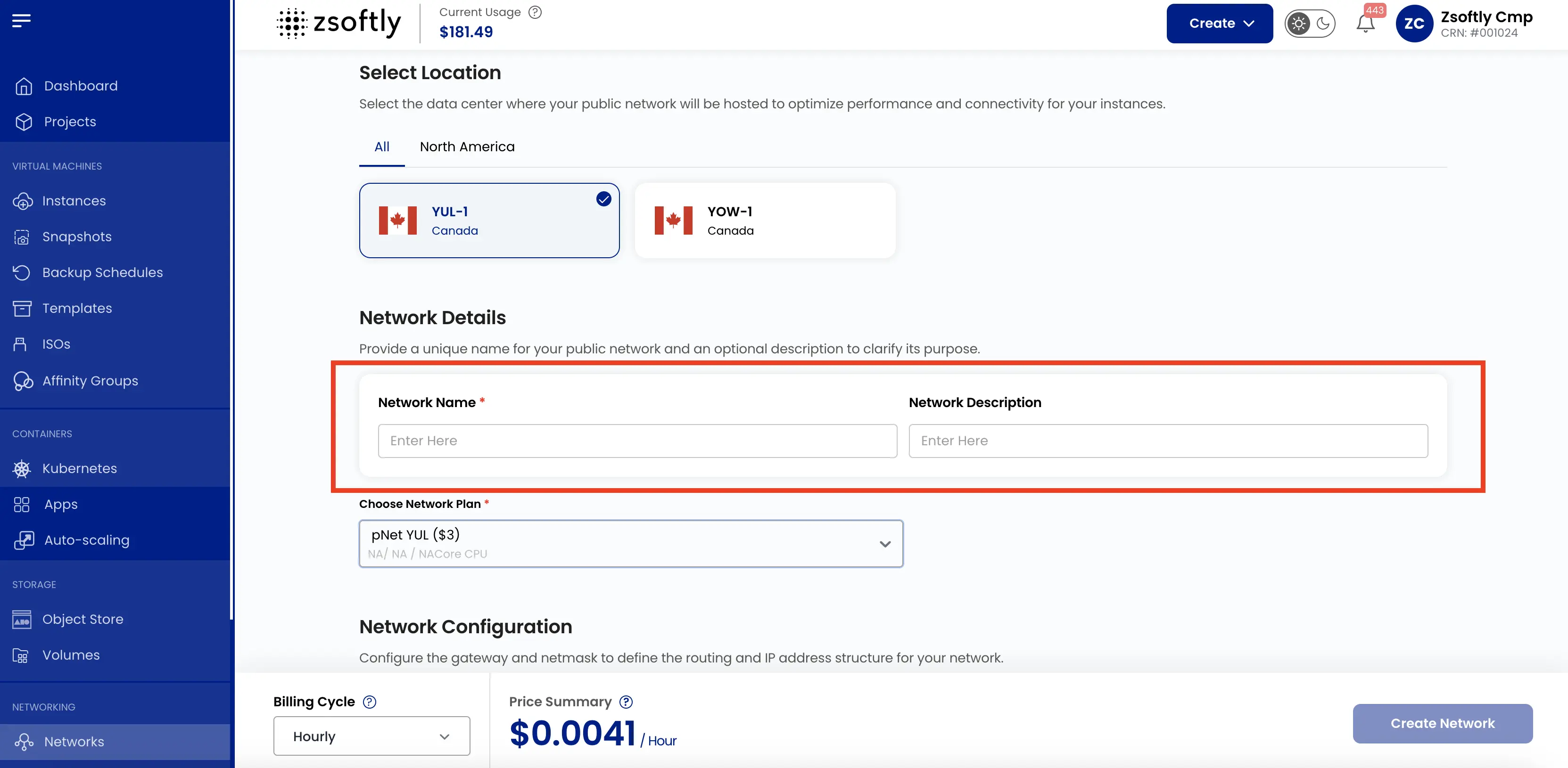
Choose a Location
Section titled “Choose a Location”Select the data center location where you want to host the network.
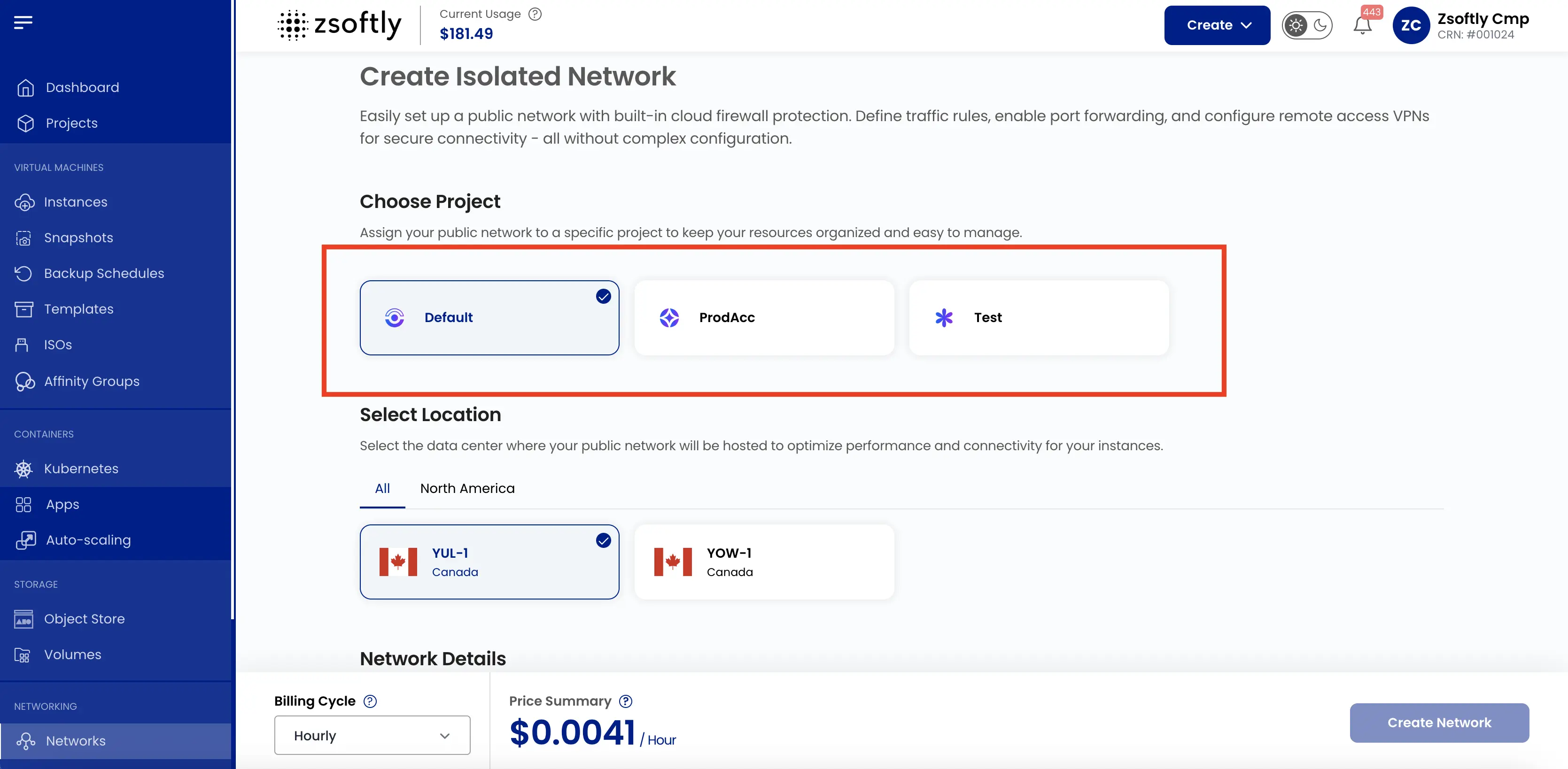
Assign to a Project
Section titled “Assign to a Project”Assign the network to a project to organize resources.
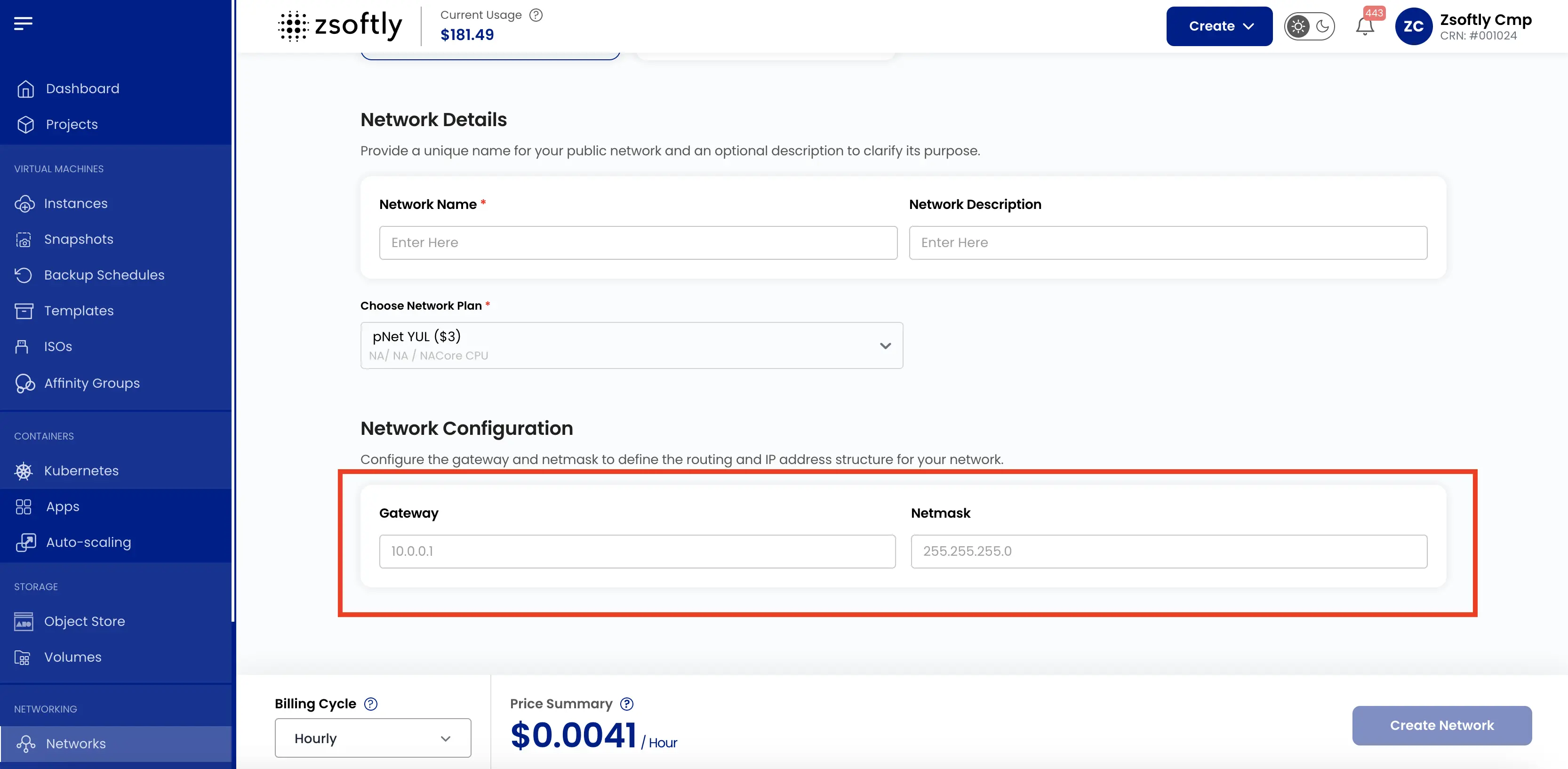
Network Configurations
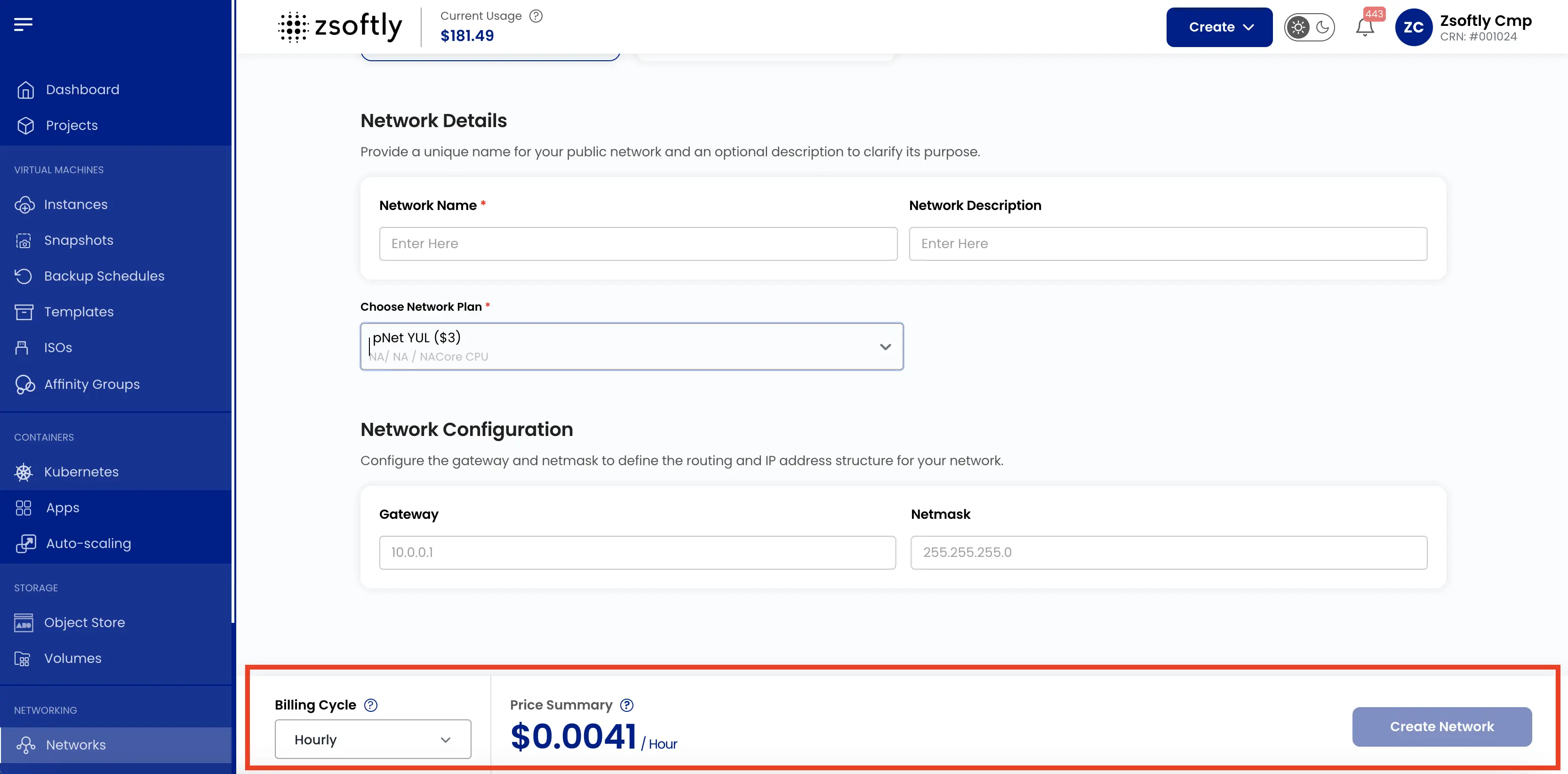
Section titled “Network Configurations”Configure the gateway and network mask to define the routing and IP address structure.
Provide a unique name for your Public Network.
Create
Section titled “Create”- Choose the Billing Cycle: Hourly, Monthly, or Yearly.
- Review the price summary and click Create.
See also: Network Overview, Public IPs
